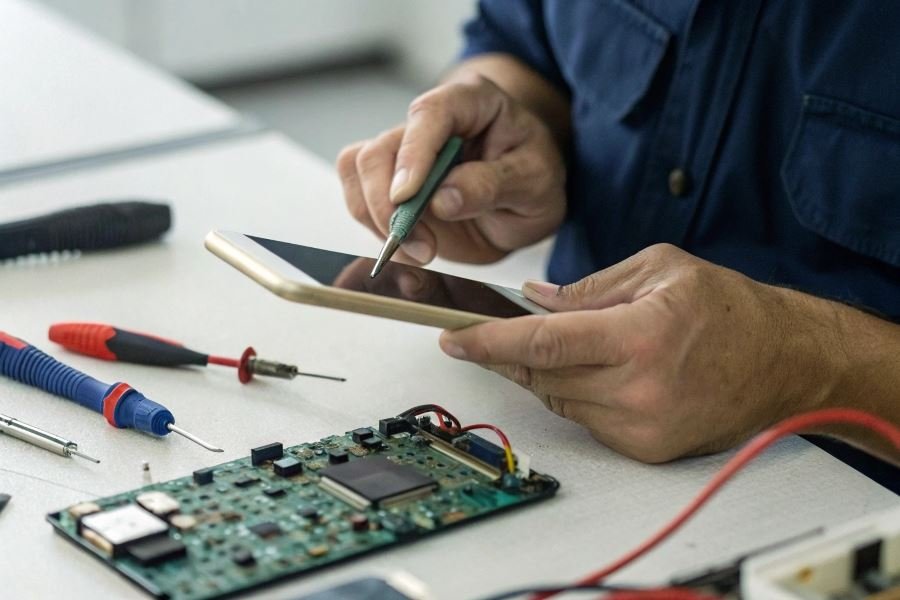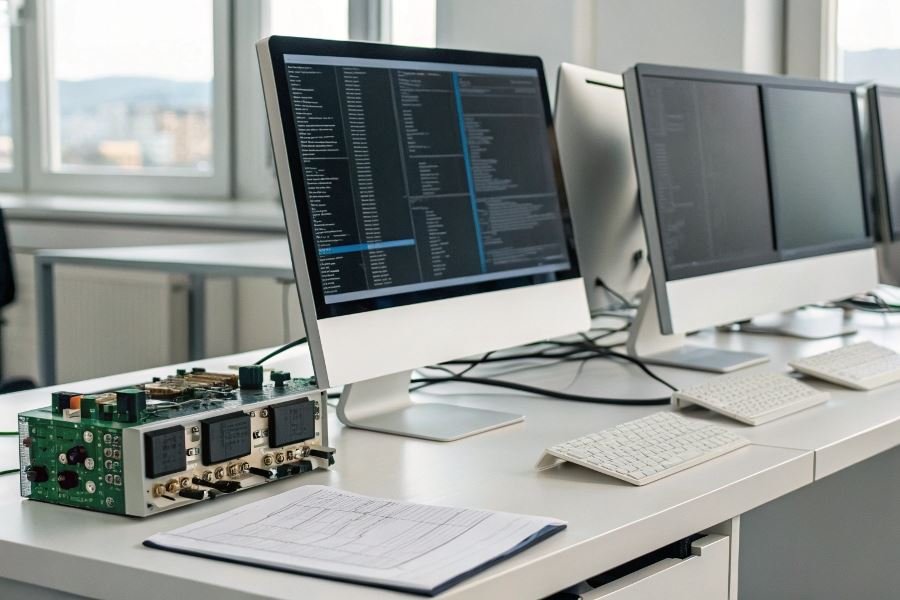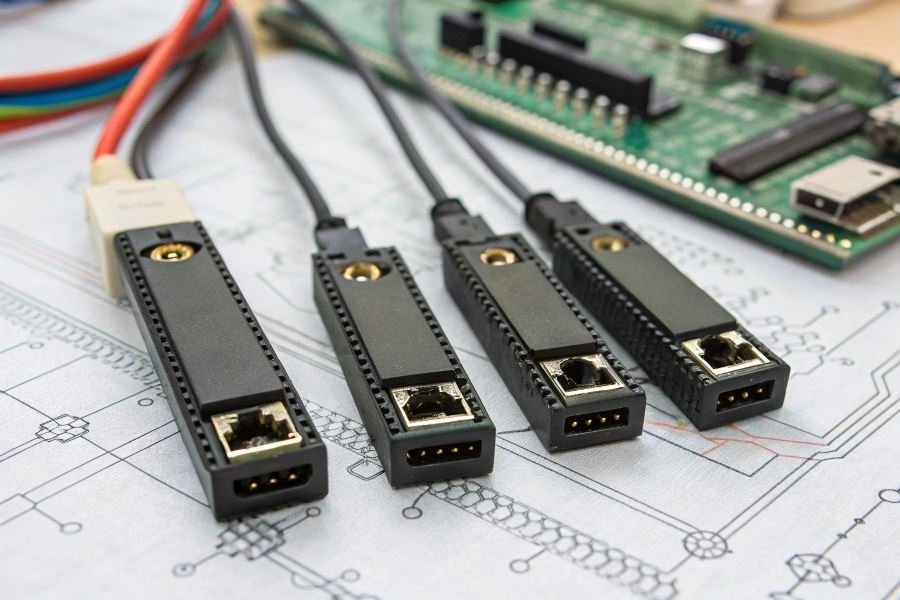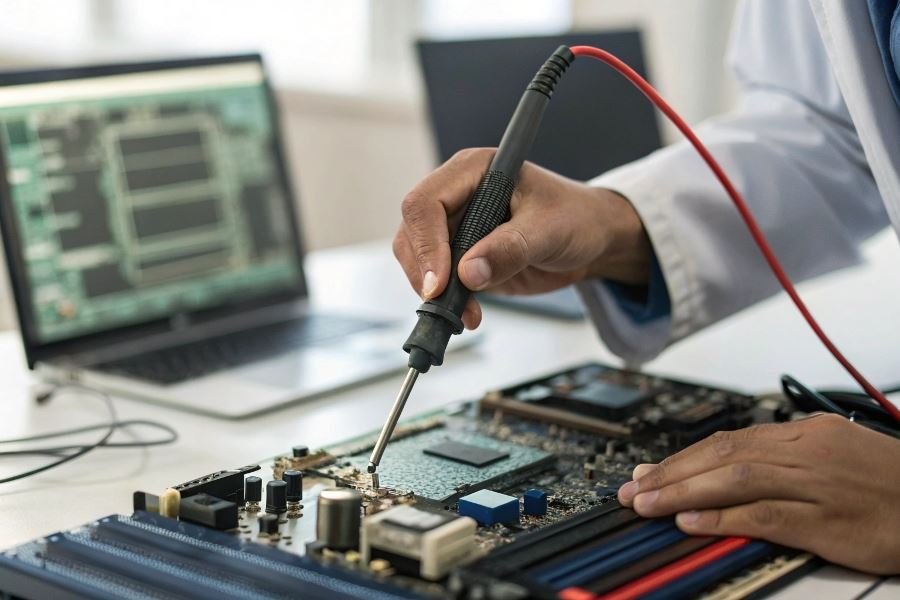
Ever wondered what happens in those crucial seconds before your operating system boots? That’s the BIOS at work—the silent conductor orchestrating your computer’s hardware symphony. But when this fundamental software needs updating or repair, BIOS programmers become the unsung heroes of computing.
BIOS programmers are specialized devices designed to read, write, and modify the BIOS firmware on motherboards and other electronic components. Think of them as translators between you and your computer’s most fundamental instructions. These tools have evolved dramatically since IBM introduced the first BIOS in 1981, transforming from simple ROM burners into sophisticated programming stations capable of handling complex flash memory operations.
The market for BIOS programmers has expanded significantly as hardware complexity increases. Modern professional-grade programmers feature universal chip compatibility, high-speed interfaces (often USB 3.0 or Thunderbolt), and robust error correction capabilities. The best models include in-circuit programming functionality—allowing technicians to update BIOS chips without removing them from motherboards.
Three essential components define quality BIOS programmers:
- Hardware interface adapters supporting various chip packages (SOIC, DIP, PLCC)
- Intuitive software with comprehensive chip databases
- Voltage regulation systems preventing accidental chip damage
For professionals maintaining server farms or repair technicians handling diverse hardware, investing in a versatile BIOS programmer isn’t just convenient—it’s essential for disaster recovery and system optimization.
Finding Your Perfect BIOS Programmer: A Buyer’s Guide
When diving into the world of hardware modification, BIOS updates, or chip recovery, selecting the right BIOS programmer becomes a critical decision that can make or break your project. These specialized devices serve as the bridge between your computer and the BIOS chip, allowing for direct reading, writing, and modification of firmware. The features of selection and application of programmers for BIOS depend heavily on your specific hardware environment and technical requirements.
Matching Hardware Compatibility
The first rule of BIOS programmer selection is ensuring compatibility with your motherboard and chip specifications. Modern motherboards use various BIOS chip types including SPI, EEPROM, and Flash memory chips in different packages (SOIC8, SOIC16, DIP8, etc.).
Socket type matters enormously. A programmer with the wrong socket configuration will be useless regardless of its other features. Most professional-grade programmers come with multiple adapters to accommodate different chip packages, but verify compatibility before purchase.
Chip voltage requirements represent another critical factor. While most modern BIOS chips operate at 3.3V, older systems might use 5V chips. Using incorrect voltage can permanently damage your BIOS chip, so programmers with adjustable voltage settings provide valuable flexibility.
The physical connection method also varies significantly. Some programmers connect directly to the chip while it’s still soldered to the motherboard (in-circuit programming), while others require removing the chip for programming (requiring a chip extractor and steady hands).
Software Requirements That Won’t Frustrate You
The best hardware becomes worthless with incompatible software. When evaluating BIOS programmers, consider:
- Operating system compatibility: Ensure the programmer’s software works with your OS (Windows, macOS, Linux)
- Driver availability: Some programmers require specialized drivers that may not be available for all systems
- Software interface quality: Intuitive interfaces save hours of frustration
- Update frequency: Regular software updates indicate ongoing support
Many budget programmers offer Windows-only software, while professional models typically support multiple operating systems. If you’re working in a mixed environment, this becomes particularly important.
Top BIOS Programmer Models Worth Your Investment
| Model | Best For | Key Features | Price Range |
|---|---|---|---|
| CH341A | Beginners & Budget Users | SPI Flash support, USB powered, Windows/Linux compatible | 10−20 |
| FlashcatUSB | Professionals & Enthusiasts | Multi-protocol support, high-speed operations, extensive chip database | 60−120 |
| Dediprog SF100 | Enterprise & Production | In-system programming, automated verification, industrial reliability | 300−400 |
The CH341A represents the entry point for most users, offering remarkable value despite its limitations. Its widespread adoption means excellent community support, though its software interface leaves much to be desired.
For serious enthusiasts, the FlashcatUSB strikes an impressive balance between capability and cost. Its ability to program virtually any chip type makes it versatile enough for varied projects.
The Dediprog SF100, while significantly more expensive, delivers enterprise-grade reliability and speed that justifies its price for professional applications. Its automated verification features alone can save hours of troubleshooting time.
When selecting your BIOS programmer, consider not just your current project but future needs as well. The right programmer becomes an investment that pays dividends across multiple hardware projects, while the wrong one becomes an expensive paperweight that delays your work and tests your patience.
Mastering BIOS Programmers: Implementation Guide
The effective workflow for BIOS programming
Working with BIOS programmers requires methodical precision and careful preparation. Begin by gathering all necessary equipment: your programmer device, appropriate clips or socket adapters, and a stable power supply. Before connecting anything, verify compatibility between your programmer and the target chip by consulting the manufacturer’s documentation.
The workflow typically follows this pattern:
- Identify your BIOS chip type (SPI, EEPROM, Flash)
- Back up the existing BIOS (this is non-negotiable)
- Prepare the replacement firmware
- Connect the programmer to the chip
- Execute the programming sequence
- Verify successful writing
- Test system functionality
Most modern programmers like the CH341A feature intuitive software interfaces that guide you through these steps. When connecting clip-style programmers, ensure perfect pin alignment—a misalignment by even one pin can damage your hardware or corrupt your BIOS.
The most critical step is verification after writing. Never assume a successful write without confirmation.
Overcoming common BIOS programming obstacles
Even experienced technicians encounter challenges when working with BIOS programmers. Here’s how to address the most frequent issues:
Connection failures often stem from poor contact between the programmer and chip. Clean the chip’s pins with isopropyl alcohol and ensure the clip makes firm contact. For stubborn connections, consider using a socket adapter instead of a clip.
Write verification errors typically indicate one of three problems:
| Error Type | Likely Cause | Solution |
|---|---|---|
| Checksum mismatch | Corrupted firmware file | Obtain fresh firmware from manufacturer |
| Write timeout | Insufficient power | Use external power supply for programmer |
| Partial write | Chip write protection enabled | Disable write protection or use hardware override |
When encountering the dreaded “unknown chip ID” error, update your programmer’s software to the latest version. Manufacturers regularly add support for new chips through software updates.
Remember that patience is your greatest ally when troubleshooting—rushing through diagnostics often compounds problems.
Critical safety protocols for BIOS modification
BIOS modification carries inherent risks that demand respect and caution. Implement these safety measures to protect both your hardware and data:
-
Always create multiple backups of your original BIOS before modification. Store these copies on separate devices.
-
Maintain proper ESD (Electrostatic Discharge) protection throughout the process. A grounding strap is not optional—it’s essential.
-
Never interrupt a write operation once initiated. Power loss during programming can render your motherboard inoperable, creating what technicians call a “brick.”
The difference between a successful BIOS update and a costly paperweight often comes down to preparation and patience.
For mission-critical systems, consider using programmers with emergency recovery features like the FlashcatUSB that can restore bricked devices.
When working with laptop BIOS chips, be aware that many are soldered directly to the motherboard. These require specialized equipment and advanced skills—beginners should practice on desktop systems first.
By following these implementation guidelines, troubleshooting approaches, and safety protocols, you’ll maximize your success rate when working with BIOS programmers while minimizing the risk of permanent hardware damage.
Discover the essential features of BIOS programmers in our comprehensive 2025 guide. Learn selection criteria, compatibility requirements, and best practices for effective BIOS modification and recovery on modern motherboards.
Discover the essential features of BIOS programmers in our comprehensive 2025 guide. Learn selection criteria, compatibility requirements, and best practices for effective BIOS modification and recovery on modern motherboards.