Ever walked into a business and been immediately captivated by a stunning digital display showcasing products, services, or vital information? That’s no accident—that’s strategic visual communication at work.
Information display boards have evolved from simple bulletin boards to sophisticated digital signage systems that can transform how businesses communicate with customers and employees. These visual communication tools serve as silent salespeople, wayfinding guides, and information hubs that work 24/7 to enhance your business environment.
What exactly are information display boards?
At their core, information display boards are visual communication systems designed to convey important messages to specific audiences. They range from traditional static displays (like menu boards and directory signs) to dynamic digital solutions featuring interactive touchscreens and real-time content updates.
The right display solution doesn’t just share information—it elevates your brand experience and creates meaningful engagement opportunities. Businesses implementing strategic display solutions report up to 33% increases in customer satisfaction and significant improvements in internal communication efficiency.
Types of display solutions transforming businesses
- Static displays: Traditional printed signage, whiteboards, and bulletin boards
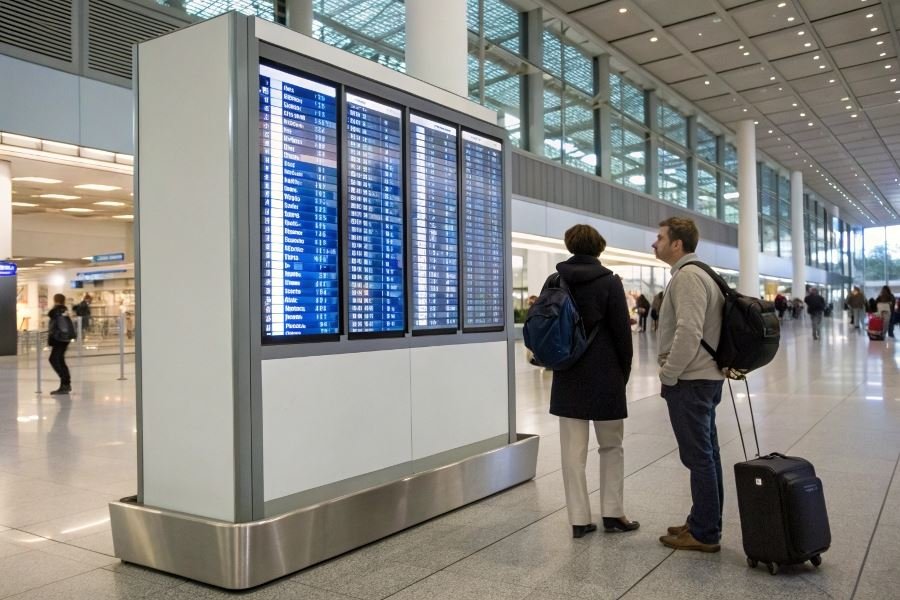
- LED and LCD screens: Bright, attention-grabbing digital displays for dynamic content
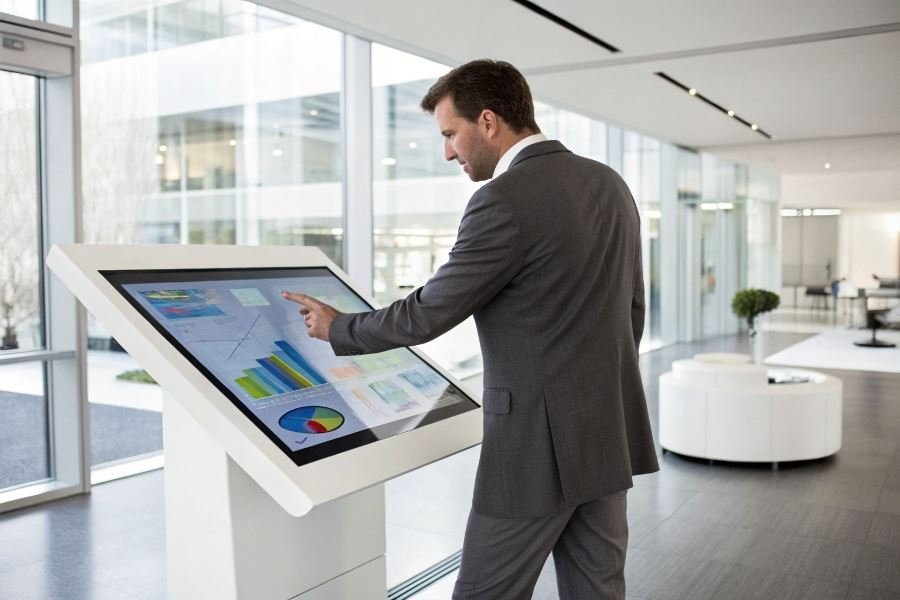
- Interactive kiosks: Touch-enabled systems allowing customer self-service
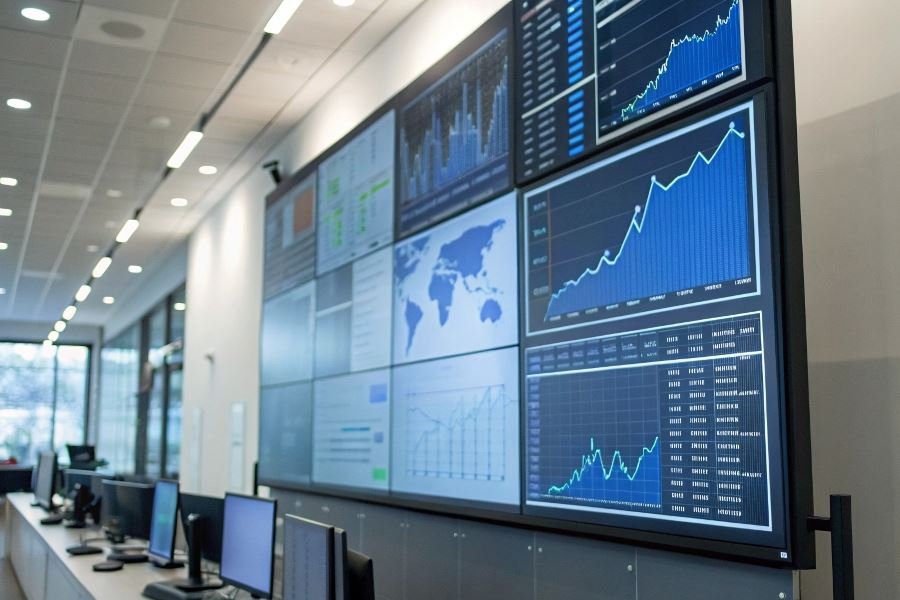
- Video walls: Multiple screens combined for high-impact visual statements
- E-paper displays: Low-power solutions with excellent readability in various lighting conditions
The benefits extend beyond mere information sharing. Well-implemented display boards reduce perceived wait times, increase impulse purchases, and create memorable brand impressions that customers carry with them long after leaving your establishment.
Essential Factors for Business Display Board Selection
Purpose Drives Everything
Selecting the right information display board begins with a crystal-clear understanding of its purpose. Will it showcase daily specials in a restaurant? Display real-time production metrics on a factory floor? Or perhaps welcome visitors in your corporate lobby? The intended function dictates everything from size to technology.
When evaluating how to choose an information display board for business environments, location analysis becomes your foundation. Indoor installations face different challenges than outdoor ones. A board placed in direct sunlight requires higher brightness (measured in nits) than one in a controlled environment. Viewing distance and angle determine optimal screen size and resolution—the rule of thumb suggests 1 inch of diagonal screen size for every 1.5-2 feet of viewing distance.
Environmental factors matter tremendously. Outdoor displays need weather resistance with IP65 ratings or higher, while kitchen-adjacent displays should resist grease and moisture. High-traffic areas benefit from displays with protective glass and anti-vandalism features.
Technical Specifications That Matter
Display technology selection represents your most consequential decision:
| Technology | Best For | Lifespan | Brightness Range |
|---|---|---|---|
| LCD | Indoor, detailed content | 30,000-50,000 hrs | 300-700 nits |
| LED | Outdoor, large format | 50,000-100,000 hrs | 1,000-8,000 nits |
| OLED | Premium indoor, perfect blacks | 30,000-40,000 hrs | 400-600 nits |
Resolution requirements depend on content complexity and viewing distance. Text-heavy displays demand higher resolution than those showing simple graphics. For detailed information, consider:
- Full HD (1920×1080): Standard for most business applications
- 4K (3840×2160): Essential for detailed graphics or close viewing
- Custom resolutions: Often needed for non-standard display shapes
Connectivity options determine future flexibility. Modern displays should offer HDMI, DisplayPort, USB-C, and wireless options like Miracast or Chromecast compatibility. Network integration capabilities enable remote management—a critical feature for multi-location businesses.
Budget Considerations and Long-Term Value
Initial purchase price represents just one component of total ownership cost. Premium displays from manufacturers like Samsung or LG command higher prices but often deliver superior reliability and support.
When calculating true costs, factor in:
- Energy consumption: LED displays typically consume less power than comparable LCD units
- Maintenance requirements: Commercial-grade displays offer longer warranties and better service options
- Software compatibility: Proprietary systems may limit future flexibility
- Upgrade paths: Modular systems allow component replacement rather than full system overhauls
The smartest approach balances immediate budget constraints against long-term operational needs. A display board that fails prematurely or lacks necessary features ultimately costs more than investing in appropriate technology initially.
Future-proofing deserves serious consideration. The display market evolves rapidly, but choosing systems with standard interfaces and upgradeability protects your investment. Look for manufacturers with proven track records of firmware updates and ongoing support for legacy products.
Remember that your information display represents your brand. Cutting corners on quality can undermine customer perception and operational efficiency—a poor value proposition regardless of initial savings.
Sealing the Deal on Your Information Display Board
Vendor Reliability Makes All the Difference
When finalizing your information display board selection, the company behind the product deserves as much scrutiny as the display itself. A vendor’s track record speaks volumes about what your post-purchase experience will be like. Look for providers with at least 5-7 years in the industry who can showcase a portfolio of successful implementations similar to your business needs.
Support services vary dramatically between vendors. The gold standard includes:
- 24/7 technical assistance
- On-site emergency support with guaranteed response times
- Comprehensive warranty coverage (minimum 3-year coverage)
- Regular firmware and software updates
Don’t underestimate the value of responsive support. When your display goes down during a critical business presentation or customer-facing event, the difference between a 15-minute fix and a 3-day wait can directly impact your bottom line.
Integration Timeline and System Compatibility
The smoothest display board implementations follow a clear timeline with defined milestones:
| Phase | Duration | Key Activities |
|---|---|---|
| Planning | 1-2 weeks | Requirements gathering, site assessment, network evaluation |
| Procurement | 2-4 weeks | Order processing, manufacturing (if custom), shipping |
| Installation | 1-3 days | Physical mounting, power and data connections |
| Configuration | 2-5 days | Software setup, content management system integration, testing |
| Training | 1-2 days | Staff training on content updates and basic troubleshooting |
The entire process typically spans 4-8 weeks from decision to full operation.
System compatibility deserves special attention. Your display board should seamlessly integrate with your existing:
- Content management systems
- Digital asset management platforms
- Network infrastructure
- Security protocols
Request detailed integration specifications from vendors and involve your IT team early in discussions. Many businesses discover compatibility issues too late in the process, leading to costly workarounds or compromised functionality.
Future-Proofing Your Investment
The display technology landscape evolves rapidly, but your investment should remain relevant for 5-7 years minimum. Protect your investment by prioritizing:
Modular hardware designs that allow component-level upgrades rather than complete system replacement. Samsung and LG Business Solutions offer excellent modular options.
Open API architecture ensures your display can integrate with emerging software platforms and data sources. Proprietary systems often become technological dead-ends.
Scalable content management systems that can grow with your business needs and adapt to changing content strategies.
Resolution headroom provides visual quality that exceeds current standards. While 4K resolution is standard today, displays supporting 8K will maintain their visual impact longer as content quality increases.
Remote management capabilities become increasingly valuable as workforces become more distributed. Look for systems offering comprehensive remote diagnostics and content updating.
The most future-proof investments often come with higher initial costs but deliver substantially lower total ownership costs over their lifetime. A quality display board should maintain its effectiveness and reliability well beyond the typical 3-year depreciation schedule used for most business technology.
Discover how to select the ideal information display board for your business with our comprehensive guide covering essential factors, technical specifications, and long-term value considerations for maximum impact and ROI.
Discover how to select the ideal information display board for your business with our comprehensive guide covering essential factors, technical specifications, and long-term value considerations for maximum impact and ROI.