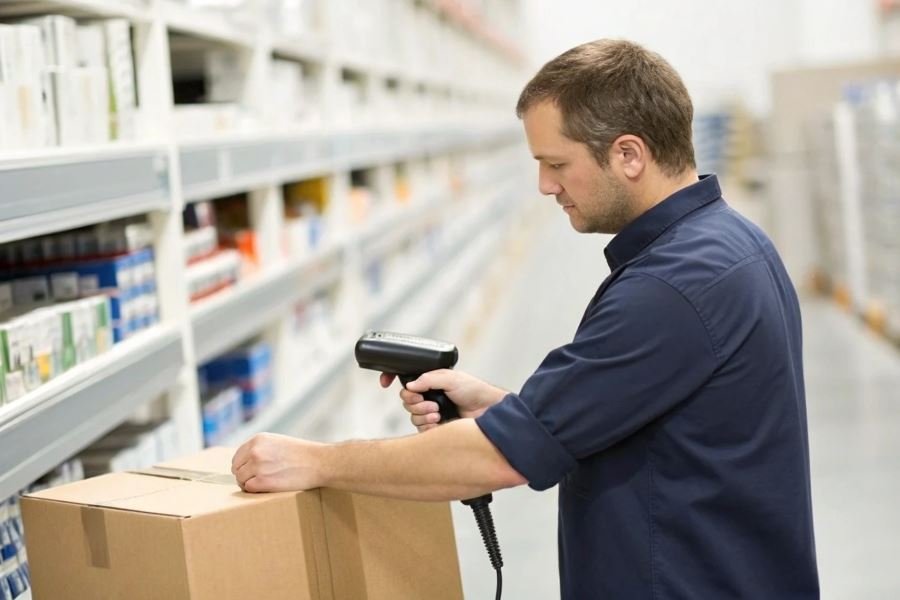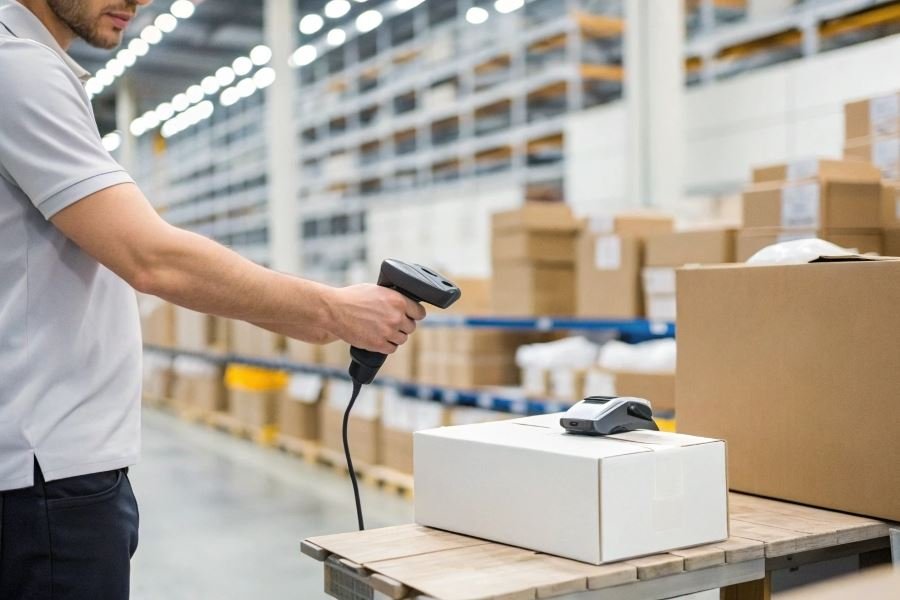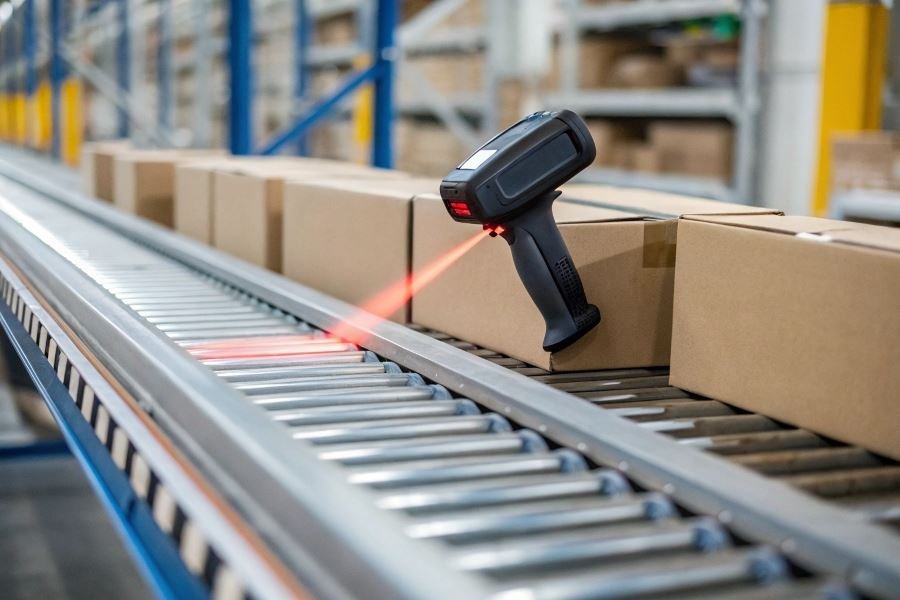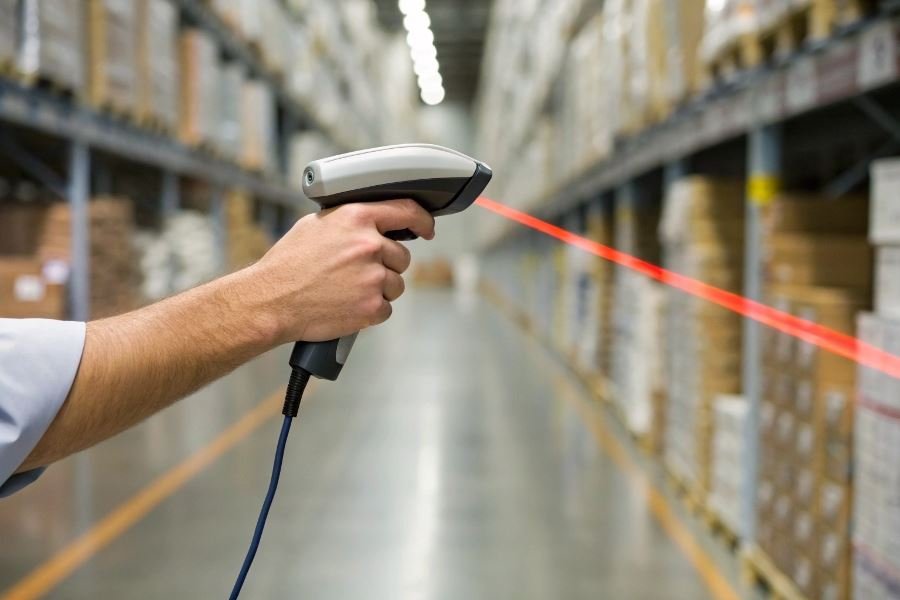
What if a single device could slash your inventory errors by 67% while doubling processing speed? That’s not wishful thinking—it’s the reality of modern barcode scanning technology transforming warehouse operations across America.
Behind every smoothly running warehouse lies a critical yet often overlooked hero: the humble barcode scanner. These devices have evolved from simple readers to sophisticated data management tools that serve as the nervous system of inventory control. When selecting the right scanner for your operation, understanding the fundamentals can mean the difference between streamlined efficiency and costly bottlenecks.
The backbone of modern warehouse management
Barcode scanners do far more than just “beep” at products. They create a digital bridge between physical inventory and your management system, enabling real-time tracking that prevents the costly “where is it?” treasure hunts that plague manual systems. Research shows warehouses implementing proper scanning solutions reduce picking errors by up to 99.9% while accelerating fulfillment rates by 25-40%.
Key technologies worth knowing
Today’s scanning landscape offers several distinct technologies:
- Laser scanners: The workhorses of the industry, offering reliability and moderate range
- 2D imagers: Capable of reading both traditional barcodes and QR codes from multiple angles
- RFID systems: Providing contactless scanning capabilities for high-volume environments
Assessing your warehouse needs
Before purchasing, evaluate these critical factors:
- Volume requirements: How many scans per day will you process?
- Environmental conditions: Will scanners operate in dusty, cold, or outdoor settings?
- Mobility needs: Do you require fixed stations or handheld flexibility?
- Integration capabilities: How will scanners connect with your existing warehouse management system?
The right scanner doesn’t just read codes—it transforms your entire operation into a data-driven powerhouse.
Essential Factors for Warehouse Barcode Scanner Selection
Selecting the right barcode scanner for warehouse operations isn’t just about finding a device that beeps when pointed at stripes and squares. It’s about finding a technological ally that will enhance efficiency, reduce errors, and ultimately drive profitability in your logistics operation.
When evaluating how to choose a barcode scanner for a warehouse, decision-makers must consider several critical factors that directly impact operational efficiency. The right scanner becomes an extension of your workforce—seamlessly connecting physical inventory to your digital systems while withstanding the demanding warehouse environment.
1D vs. 2D: Choosing Your Scanning Dimension
The fundamental choice between 1D (linear) and 2D barcode scanners significantly impacts your warehouse capabilities:
1D Scanners: These read traditional barcodes consisting of parallel lines and spaces. They’re typically:
- More affordable ($150-300 range)
- Faster for simple product identification
- Limited to storing 85 characters maximum
2D Scanners: These read both traditional barcodes and matrix codes (QR codes, DataMatrix, etc.). They offer:
- Higher data capacity (up to 7,000 characters)
- Ability to scan damaged or poorly printed codes
- Support for advanced inventory tracking with serialization
The shift toward 2D technology has accelerated as warehouses require more data embedded in each code, particularly for tracking components through complex supply chains.
Connectivity That Keeps You Connected
Modern warehouse scanners offer multiple connectivity options:
| Connection Type | Advantages | Limitations |
|---|---|---|
| Bluetooth | Wireless freedom (30-100ft range) | Requires battery management |
| Wi-Fi | Facility-wide coverage | Network dependency |
| USB/Wired | No battery concerns | Limited mobility |
| Cellular | Remote scanning capability | Higher cost, data plans |
Integration with your Warehouse Management System is non-negotiable. Leading scanners from Zebra Technologies and Honeywell offer SDK packages that facilitate seamless data transfer to major WMS platforms.
Built Warehouse-Tough
Warehouse environments punish equipment. Your scanner needs to be:
Drop-resistant: Look for models tested to withstand multiple drops from at least 5-6 feet onto concrete.
Sealed against elements: IP ratings matter:
- IP54: Protected against dust and water splashes
- IP65: Dust-tight and protected against water jets
- IP67: Dust-tight and can withstand temporary immersion
Temperature tolerance: Cold storage warehouses require scanners rated for operation at -22°F (-30°C) or below.
Power That Persists
Battery performance directly impacts productivity. Top considerations include:
- Shift coverage: Minimum 8-10 hours of continuous scanning
- Hot-swappable batteries: Allow battery replacement without powering down
- Charging infrastructure: Multi-bay charging stations can reduce downtime
- Battery health monitoring: Prevents unexpected failures during critical operations
Range and Speed: The Productivity Multipliers
The scanning distance and processing speed dramatically affect throughput:
Standard-range scanners: Effective from contact to about 2 feet
Mid-range scanners: Effective from 1-6 feet
Long-range scanners: Can read codes from 30+ feet (ideal for forklift operators scanning high shelves)
Processing speed matters too—look for devices that can scan and process 100+ barcodes per minute with decode rates exceeding 99.9%.
The most efficient warehouses match scanner capabilities to specific work zones, deploying long-range scanners for receiving and high-bay picking, while using standard-range models for packing stations where precision matters more than distance.
Sealing the Deal: Your Warehouse Barcode Scanner Decision
Top performers for every warehouse scale
When it comes to warehouse efficiency, choosing the right barcode scanner isn’t just a purchase—it’s a strategic investment. After analyzing performance data and user feedback across hundreds of warehouses, these three models consistently outperform the competition:
For small warehouses (under 10,000 sq ft):
The Zebra DS2278 cordless scanner delivers exceptional value with its 14-hour battery life and 100-foot Bluetooth range. At $299, it handles 1D and 2D barcodes with impressive first-scan success rates even on damaged labels. Its lightweight design (7.5 oz) reduces operator fatigue during inventory counts.
For mid-sized operations (10,000-50,000 sq ft):
The Honeywell Granit 1980i industrial scanner withstands 6.5-foot drops to concrete and operates in temperatures from -22°F to 122°F. This $499 workhorse reads barcodes from up to 52 inches away—perfect for reaching high shelves without ladders. Its IP65 sealing protects against dust and water jets.
For large distribution centers (50,000+ sq ft):
The Datalogic PowerScan PD9531 combines rugged durability with extended-range scanning capabilities up to 65 feet. At $699, it features customizable feedback (vibration, beeper, and targeting system) and processes 60 scans per second. Its patented 3GL technology ensures visibility in any lighting condition.
Beyond sticker shock: true ownership costs
The purchase price represents just 40-60% of your barcode scanner’s total cost of ownership (TCO). A comprehensive TCO analysis reveals:
| Cost Component | Percentage of TCO | Often Overlooked Factors |
|---|---|---|
| Initial Hardware | 40-60% | Charging cradles, spare batteries, protective cases |
| Software/Integration | 10-15% | Middleware, custom configurations, ERP integration |
| Maintenance | 15-20% | Extended warranties, repair costs, replacement parts |
| Training | 5-10% | Productivity loss during learning curve, training materials |
| Operational | 10-20% | Battery replacements, cleaning supplies, downtime costs |
A $300 scanner might seem economical until you factor in its 18-month average lifespan compared to a $500 model lasting 4+ years. Premium models from Honeywell and Zebra typically include 3-5 year warranties, significantly reducing long-term maintenance costs.
Rollout roadmap: from purchase to productivity
The implementation timeline for warehouse barcode scanners follows three critical phases:
- Pre-deployment (2-3 weeks)
- System compatibility testing
- Scanner configuration and customization
- Pilot testing with 2-3 units in live environment
- Deployment (1-2 weeks)
- Hardware installation and charging station setup
- Software integration with inventory management systems
- Troubleshooting connectivity issues
- Training and optimization (3-4 weeks)
- Tiered training approach (super-users first, then general staff)
- Daily efficiency monitoring and workflow adjustments
- Establishing maintenance protocols and support channels
The most successful implementations dedicate 30% more time to training than initially planned, resulting in 45% fewer errors during the first month of operation.
Training investments pay exponential dividends—warehouses that implement comprehensive scanner training programs see picking accuracy improve by 23% and processing speeds increase by 31% compared to operations with minimal training.
Remember that scanner implementation isn’t just about hardware deployment—it’s about transforming your warehouse workflows. Allow 6-8 weeks from purchase to full operational efficiency, with particular attention to change management for staff accustomed to manual or older scanning systems.
Discover how to select the perfect warehouse barcode scanner with our comprehensive guide. Compare 1D vs 2D technologies, connectivity options, durability features, and battery performance to maximize efficiency in your inventory management operations.
Discover how to select the perfect warehouse barcode scanner with our comprehensive guide. Compare 1D vs 2D technologies, connectivity options, durability features, and battery performance to maximize efficiency in your inventory management operations.