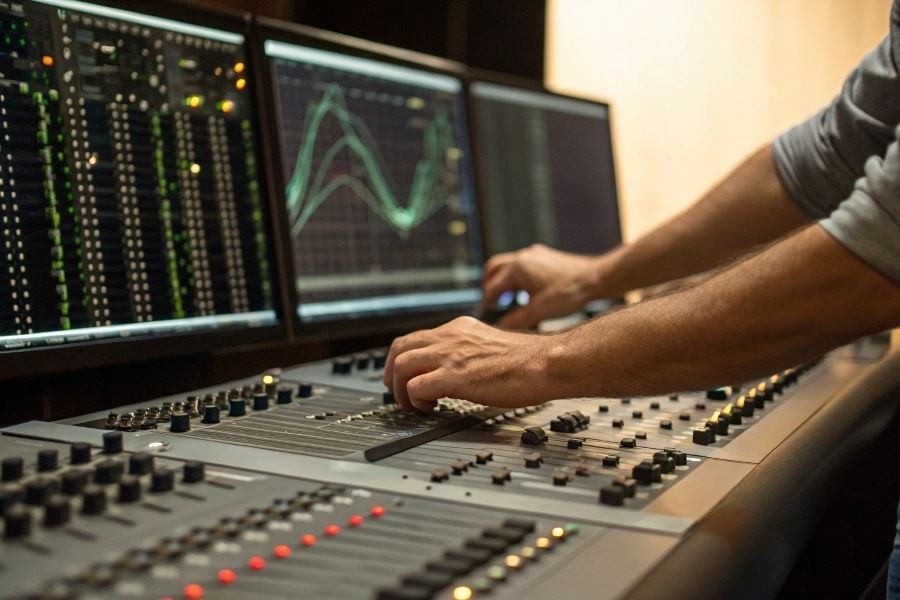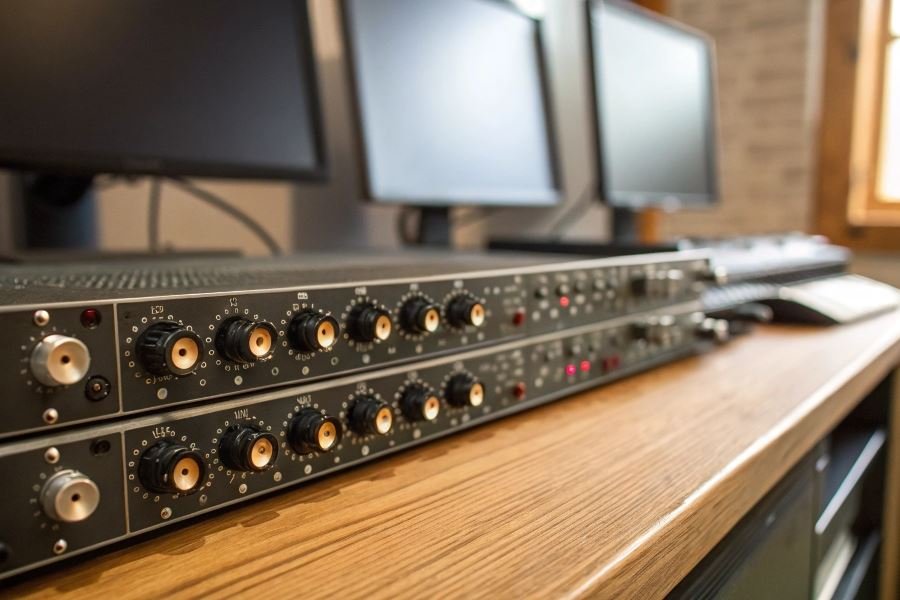
Ever wondered why some studio monitors sound crystal clear while others muddy the audio landscape? The answer often lies not in the speakers themselves, but in a critical component working behind the scenes: the crossover network.
At its core, a crossover is an electronic filter system that divides an audio signal into separate frequency ranges, directing each to the appropriate driver—sending low frequencies to woofers and high frequencies to tweeters. This seemingly simple task is actually the foundation of accurate sound reproduction in near-field monitors. Without proper frequency division, your carefully crafted mixes could suffer from phase issues, frequency masking, or distortion.
The crossover you select dramatically impacts how your monitors perform. A well-designed crossover creates a seamless transition between drivers, maintaining phase coherence and ensuring flat frequency response—critical factors when making mixing decisions that will translate across different playback systems.
When evaluating crossover models for your near-field setup, pay attention to these key specifications:
- Crossover type: Active crossovers (requiring external power) offer greater precision than passive designs
- Crossover frequency: The point where audio is divided between drivers (typically 2-3kHz for near-field monitors)
- Slope rate: Measured in dB/octave, determining how quickly frequencies roll off (12dB/octave is common, while 24dB/octave provides steeper separation)
The difference between good and exceptional monitoring often comes down to crossover quality—a component many overlook when building their studio environment.
Top 3 Crossovers That Transform Near-Field Monitoring
When precision matters in audio production, the right crossover becomes the unsung hero of your monitoring setup. These specialized signal processors split audio frequencies with surgical precision, ensuring each driver in your near-field monitors handles exactly what it’s designed for. Let’s dive into three standout models that have earned their reputation among serious audio engineers and producers.
The selection of popular crossover models for working with near-field monitors has evolved significantly in recent years, with manufacturers focusing on cleaner signal paths and more intuitive interfaces. These devices serve as the critical junction between your mix and your ears, determining how faithfully your creative decisions translate to the final product.
DBX 234XS: The Workhorse Wonder
The DBX 234XS stands as a testament to reliability in the crossover world. This stereo 2/3-way crossover delivers exceptional performance in a compact, single-rack space unit that won’t break the bank at approximately $219.
Key specifications:
- 24dB per octave Linkwitz-Riley filters
- Precision 41-detent frequency selection controls
- Balanced XLR inputs and outputs
- Switchable ±6dB input gain range
What truly distinguishes the 234XS is its remarkable signal-to-noise ratio exceeding 90dB. This translates to pristine audio separation with near-field monitors, allowing you to hear the subtlest details in your mix without unwanted artifacts.
The 234XS doesn’t just separate frequencies—it reveals the hidden architecture of your mix.
Engineers particularly appreciate the unit’s phase alignment between bands, ensuring coherent sound reproduction across the frequency spectrum—critical when making fine-tuning decisions in near-field environments.
Behringer CX2310: Budget-Friendly Brilliance
The Behringer CX2310 Super-X Pro has earned its place in countless studios by offering impressive functionality at an accessible price point of around $149.
Standout features:
- 24dB per octave state-variable filters
- Adjustable time delays for phase alignment
- Individual output muting
- Limiters on each output for driver protection
| Feature | Benefit for Near-Field Monitoring |
|---|---|
| Summing function | Creates mono reference without additional gear |
| CD horn compensation | Tailors response for studio monitor designs |
| Individual limiters | Protects sensitive near-field components |
The CX2310 particularly shines in studio environments where flexibility matters. Its ability to switch between stereo 2-way and mono 3-way operation makes it adaptable to various monitoring configurations without requiring additional equipment.
Ashly XR1001: The Premium Performer
For professionals who demand uncompromising quality, the Ashly XR1001 represents the pinnacle of crossover technology at approximately $499.
This premium unit delivers:
- Precision 24dB per octave filters
- Extremely low distortion (<0.002% THD)
- Exceptional dynamic range (>110dB)
- Relay-controlled outputs for speaker protection
What sets it apart:
The XR1001’s transformer-balanced inputs and gold-plated connectors ensure signal integrity even in challenging studio environments with potential ground issues or long cable runs—a common concern when positioning near-field monitors.
Its military-grade construction and components result in a noise floor so low that even in critical near-field monitoring applications, where speakers may be just feet from your ears, the crossover itself remains completely transparent to the listening experience.
Each of these crossovers offers distinct advantages depending on your specific monitoring needs and budget constraints. The right choice ultimately depends on your particular near-field monitor specifications, room acoustics, and the level of precision your work demands.
Optimizing Your Near-Field Monitor Setup for Studio Excellence
Installation and Calibration: The Foundation of Sonic Accuracy
Setting up near-field monitors with the right crossover isn’t just technical—it’s an art form that defines your studio’s sonic signature. The installation process begins with strategic placement: position your monitors to form an equilateral triangle with your listening position, typically 3-4 feet apart depending on room dimensions.
When integrating a crossover like the dbx 234xs or Behringer CX2310, connection sequence matters tremendously. The signal path should flow from your audio interface to the crossover, then to amplifiers (if using passive monitors) or directly to active monitors.
The calibration process is where magic happens—or disasters begin.
Start with these critical calibration steps:
- Set your crossover frequency based on monitor specifications—typically between 80-120Hz for most near-field setups
- Implement a 24dB/octave slope for cleaner separation between monitors and subwoofer
- Use a calibration microphone like the Sonarworks Reference to measure frequency response
- Adjust phase alignment between subwoofer and monitors (often overlooked!)
Pro tip: Always calibrate at moderate volumes to protect both your equipment and hearing while ensuring accurate measurements.
Avoiding Crossover Configuration Pitfalls
The path to pristine audio is littered with common mistakes that even experienced engineers make:
| Mistake | Consequence | Solution |
|---|---|---|
| Setting crossover too low | Midrange gap, hollow sound | Follow manufacturer specs, typically 80-100Hz |
| Ignoring phase alignment | Frequency cancellation, weak bass | Use phase inversion switches, adjust subwoofer distance |
| Excessive gain staging | Distortion, noise floor issues | Maintain unity gain through the signal chain |
| Improper room treatment | Crossover settings fighting acoustics | Address room issues before fine-tuning crossover |
Perhaps the most insidious error is mismatched crossover slopes between the high-pass and low-pass filters. This creates phase issues at the crossover point, resulting in that frustrating “something’s not right” feeling during critical listening.
Remember: The best crossover setup is one you don’t notice—it simply disappears into the music.
Future-Proofing Your Studio Setup
Selecting a crossover that accommodates growth requires forward thinking. The Ashly Protea 4.24C offers expandability through digital I/O options, while the Xilica XP-4080 provides modular expansion capabilities.
Key considerations for future-proofing include:
- Digital connectivity options (AES/EBU, Dante, or MADI) for seamless integration with evolving studio standards
- Remote control capabilities via software or mobile apps for on-the-fly adjustments
- Multiple memory presets to accommodate different monitor configurations or listening environments
- Higher channel counts than currently needed to allow for additional monitors or complex surround setups
The investment in a quality crossover with expansion capabilities typically represents less than 15% of your total monitoring budget but can extend the useful life of your system by years.
When selecting components, prioritize manufacturers with strong firmware update histories. Companies like Biamp and Symetrix have demonstrated long-term support for their products, ensuring your crossover won’t become obsolete when new features or standards emerge.
The most future-proof approach combines quality hardware with flexible architecture—allowing your monitoring system to evolve alongside your creative journey.
Discover the top 3 crossover models that optimize near-field monitor performance in studio environments. Learn key specifications, installation best practices, and how to select the right crossover for superior audio monitoring and future system expansion.
Discover the top 3 crossover models that optimize near-field monitor performance in studio environments. Learn key specifications, installation best practices, and how to select the right crossover for superior audio monitoring and future system expansion.