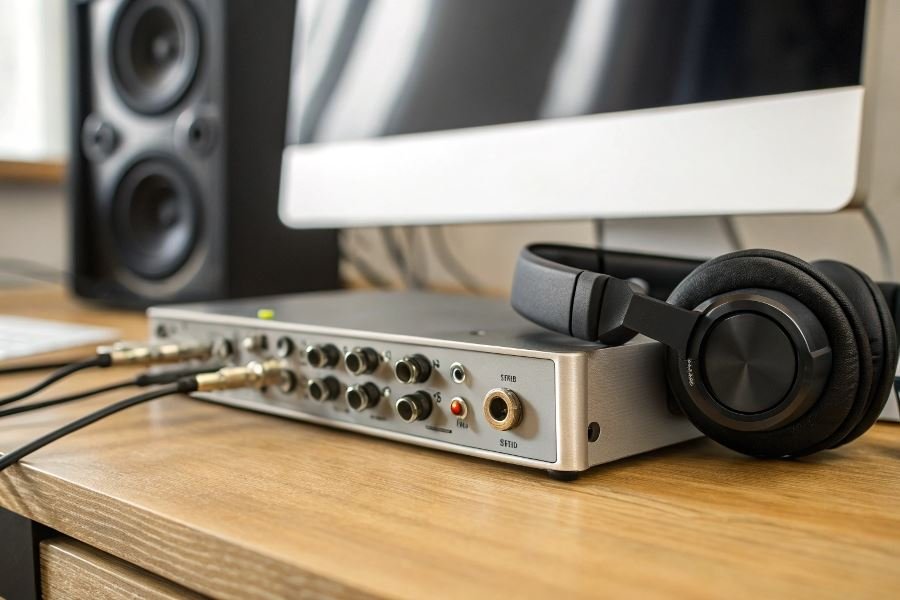
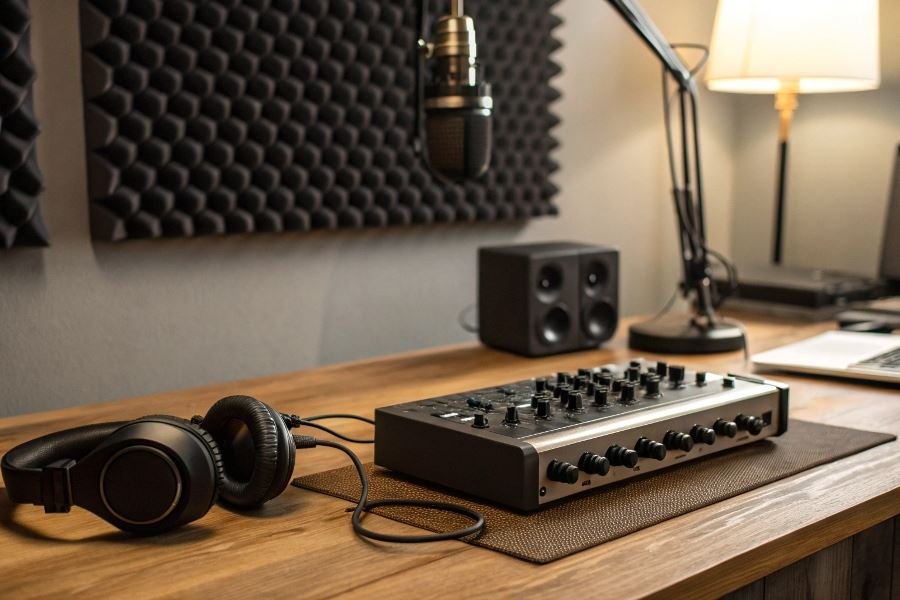
Ever wondered why professional recordings sound so crisp and clear while your direct-to-computer tracks fall flat? The secret lies in one crucial piece of equipment: the audio interface. This unassuming box transforms your creative space into a legitimate recording environment, serving as the bridge between your analog world of microphones and instruments and the digital realm of your recording software.
Audio interfaces aren’t just fancy sound cards – they’re the foundation of your entire recording ecosystem. At their core, these devices convert analog signals from your microphones and instruments into digital data your computer can process, while simultaneously handling the reverse journey for playback through monitors or headphones. But a quality interface does much more, providing clean preamps, precise conversion, and the connectivity options that define your recording capabilities.
When selecting the perfect interface for your home studio, three factors reign supreme: input/output configuration, conversion quality, and connectivity type. The I/O configuration determines how many sources you can record simultaneously – crucial if you’re tracking a full drum kit or band. Conversion quality (measured in bit depth and sample rate) affects the detail and dynamic range of your recordings. Meanwhile, connectivity options like USB, Thunderbolt, or PCIe impact both performance and compatibility with your existing setup.
“The right audio interface isn’t necessarily the most expensive one – it’s the one that solves your specific recording challenges without creating new ones.”
Before making your selection, honestly assess what you’ll be recording. A singer-songwriter might need just two quality inputs, while a drummer requires eight or more. Your budget constraints matter too, but remember: investing in quality conversion now often saves costly upgrades later. The sweet spot lies where your current needs meet your foreseeable future requirements, with just enough headroom for growth.
Technical Specifications That Make or Break Your Audio Interface
Input/Output Configurations That Fit Your Workflow
The foundation of any productive home studio setup begins with understanding exactly what connections you need. Audio interfaces come in configurations ranging from minimalist 2-in/2-out designs to expansive 18+ channel behemoths. When selecting an audio interface for a home studio, prioritize matching the I/O count to your actual recording scenarios rather than hypothetical future needs.
For solo producers and singer-songwriters, a 2×2 interface like the Focusrite Scarlett 2i2 provides two microphone/instrument inputs and stereo outputs—perfect for recording vocals and guitar simultaneously. Podcasters and small bands might require 4-8 inputs to capture multiple sound sources without constant reconnection. The Universal Audio Apollo Twin X offers expandability through digital connections, allowing your interface to grow alongside your studio.
Connectivity options matter just as much as channel count. Modern interfaces typically offer:
- USB-C: Low latency, universal compatibility
- Thunderbolt: Lightning-fast data transfer, ideal for high track counts
- USB 2.0/3.0: Widely compatible but higher latency than Thunderbolt
- FireWire: Legacy connection, still found on older professional gear
The MOTU UltraLite-mk5 exemplifies versatility with USB-C, AVB networking, and MIDI I/O—providing flexibility across different studio setups.
Resolution Specifications That Define Your Sound
Audio quality hinges on three critical specifications: sample rate, bit depth, and preamp quality.
Sample rates determine how many times per second your audio is captured, with higher rates capturing more detail in high frequencies. While 44.1kHz (CD quality) remains the industry standard for final delivery, recording at 96kHz or even 192kHz provides headroom for processing and future-proofing your recordings.
Bit depth affects dynamic range—the difference between the quietest and loudest sounds your interface can capture. The jump from 16-bit (CD quality) to 24-bit recording expands your dynamic range from 96dB to a massive 144dB, eliminating the need to perfectly optimize recording levels.
| Specification | Standard Quality | Professional Quality | Ultra Quality |
|---|---|---|---|
| Sample Rate | 44.1/48kHz | 96kHz | 192kHz |
| Bit Depth | 16-bit | 24-bit | 32-bit float |
| Dynamic Range | ~96dB | ~120dB | 1500+dB |
Preamp quality often separates budget interfaces from professional-grade equipment. The Audient iD14 MKII punches above its price point with console-grade preamps, while the SSL 2+ brings legendary British console character to home studios.
Latency and Driver Stability Across Platforms
Nothing kills creative flow faster than hearing your performance played back with a delay. Latency—the time between playing a note and hearing it through your monitors—depends on:
- Interface hardware design
- Driver efficiency
- Buffer size settings
- Computer processing power
The best interfaces achieve round-trip latency under 5ms, making the delay imperceptible. The RME Babyface Pro FS consistently delivers industry-leading latency performance across all operating systems.
Driver stability varies dramatically between platforms. While most interfaces work with Windows, Mac, and sometimes Linux, performance can differ significantly:
- Windows: Requires ASIO drivers for professional performance
- Mac: CoreAudio provides reliable low-latency operation
- Linux: Limited support, though improving with class-compliant devices
The PreSonus Quantum series excels with Thunderbolt connectivity and rock-solid drivers across platforms, while Apogee products optimize specifically for Mac systems.
When evaluating interfaces, check recent user reviews about driver stability with your specific operating system version. A technically impressive interface becomes worthless if plagued by dropouts, crashes, or compatibility issues with your DAW of choice.
Top Audio Interfaces That Elevate Your Home Studio Game
Best interfaces for singer-songwriters and solo producers
For the solo creator, simplicity meets functionality in today’s most impressive compact interfaces. The Focusrite Scarlett 2i2 (4th Gen) continues to dominate this category with its pristine preamps and remarkably low latency performance. At $179, it delivers professional-grade 24-bit/192kHz recording capability in a package that fits in a messenger bag.
The Universal Audio Volt 2 deserves serious consideration for those seeking vintage warmth. Its analog circuitry and Vintage mode impart subtle harmonic richness that’s particularly flattering for vocals and acoustic instruments. The tactile controls and robust build quality justify its $189 price point.
For Apple ecosystem devotees, the Apogee Duet 3 represents the pinnacle of minimalist design paired with exceptional conversion quality. While pricier at $649, its converters deliver remarkable transparency and dynamic range that reveals nuances in vocal performances other interfaces simply miss.
Pro tip: Singer-songwriters should prioritize preamp quality and headphone monitoring capabilities over channel count. One excellent preamp trumps four mediocre ones.
Optimal choices for recording bands and multiple instruments
When tracking multiple sources simultaneously, channel count and I/O flexibility become paramount. The PreSonus Studio 1824c offers exceptional value at $499 with eight preamps, ADAT expansion, and rock-solid drivers that won’t falter during crucial takes.
For drummers and bands requiring pristine conversion across numerous channels, the Audient iD44 delivers four console-grade preamps with ADAT expansion capability for up to 20 inputs. Its $699 investment pays dividends in tracking quality and workflow efficiency.
The MOTU UltraLite-mk5 stands out for mobile recording scenarios with its impressive 18-in/22-out configuration in an incredibly compact form factor. At $595, its DSP-powered mixing and effects make it particularly valuable for location recording where monitoring mixes must be created on the fly.
| Interface | Preamps | Max I/O | Sample Rate | Price |
|---|---|---|---|---|
| PreSonus Studio 1824c | 8 | 18-in/18-out | 192kHz | $499 |
| Audient iD44 | 4 | 20-in/24-out | 96kHz | $699 |
| MOTU UltraLite-mk5 | 2 | 18-in/22-out | 192kHz | $595 |
Professional-grade interfaces for advanced home studios
When production quality becomes non-negotiable, these interfaces deliver exceptional performance that rivals commercial studios. The Universal Audio Apollo x8 represents the gold standard with its elite conversion quality and onboard DSP for real-time processing through UA’s legendary plugin emulations. At $2,399, it’s an investment that fundamentally transforms tracking and mixing capabilities.
For those seeking transparent conversion without DSP, the RME Fireface UCX II offers unmatched driver stability and near-zero latency performance at $1,699. Its TotalMix FX software provides routing flexibility that adapts to complex production workflows without compromise.
The Antelope Audio Zen Go Synergy Core delivers boutique-level conversion and preamps with onboard FPGA effects processing at a more accessible $899 price point. Its ability to track through vintage compressor and EQ emulations without latency creates a truly professional recording experience.
What separates professional interfaces from entry-level options isn’t just sound quality—it’s reliability under pressure, expandability as your studio grows, and the ability to maintain exceptional performance regardless of session complexity.
Discover how to select the perfect audio interface for your home studio with our comprehensive guide. Learn about essential specs, connectivity options, and top recommendations for every budget and recording need.
Discover how to select the perfect audio interface for your home studio with our comprehensive guide. Learn about essential specs, connectivity options, and top recommendations for every budget and recording need.