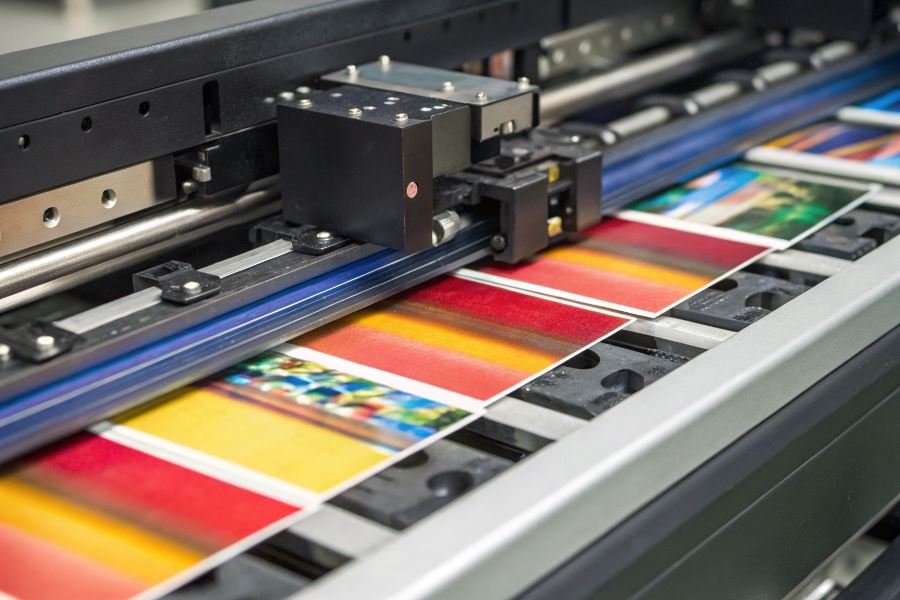
Ever wondered why some ID cards look crisp and professional while others fade after a few months? The secret isn’t just in the printer—it’s what goes into it.
Behind every flawlessly printed plastic card lies a carefully selected set of consumables that determine whether your cards will impress or disappoint. These unsung heroes of the printing process—ribbons, cleaning kits, and the cards themselves—play a crucial role that many organizations overlook until problems arise.
“The printer is only as good as what you feed it,” notes industry experts who have seen $5,000 machines produce subpar results due to low-quality consumables. This oversight doesn’t just affect appearance; it creates a costly domino effect throughout operations.
Quality ribbons ensure vibrant colors and sharp text that resist fading and wear. Premium cleaning kits extend your printer’s lifespan by preventing debris buildup that causes print head damage—often the most expensive component to replace. And the cards themselves? Their composition affects everything from durability to security feature integration.
The math is compelling: investing in premium consumables typically adds just $0.10-0.30 per card while potentially doubling card lifespan and reducing printer maintenance by up to 60%. For organizations printing hundreds or thousands of cards annually, these seemingly small decisions translate into significant operational savings.
Smart buyers recognize that consumables aren’t just supplies—they’re strategic investments in operational efficiency, brand perception, and long-term cost management.
Ribbon Selection: The Secret to Perfect Plastic Cards
When diving into the world of plastic card printing, the quality of your output depends heavily on what goes into your machine. Consumables for plastic card printers: what to pay attention to often gets overlooked in the excitement of purchasing a new printer, yet these supplies determine everything from color vibrancy to card longevity. Among these critical consumables, printer ribbons stand as perhaps the most influential component in your printing ecosystem.
Ribbon Types and Their Unique Applications
Different projects demand different ribbon formulations, each designed with specific end-results in mind:
Monochrome ribbons deliver single-color printing with exceptional clarity. These workhorses handle text, barcodes, and simple graphics with precision and economy. Available in standard colors (black, blue, red) and specialty options (gold, silver, scratch-off), they’re ideal for:
- Membership cards with basic identification
- Gift cards with simple branding
- Access control badges with essential information
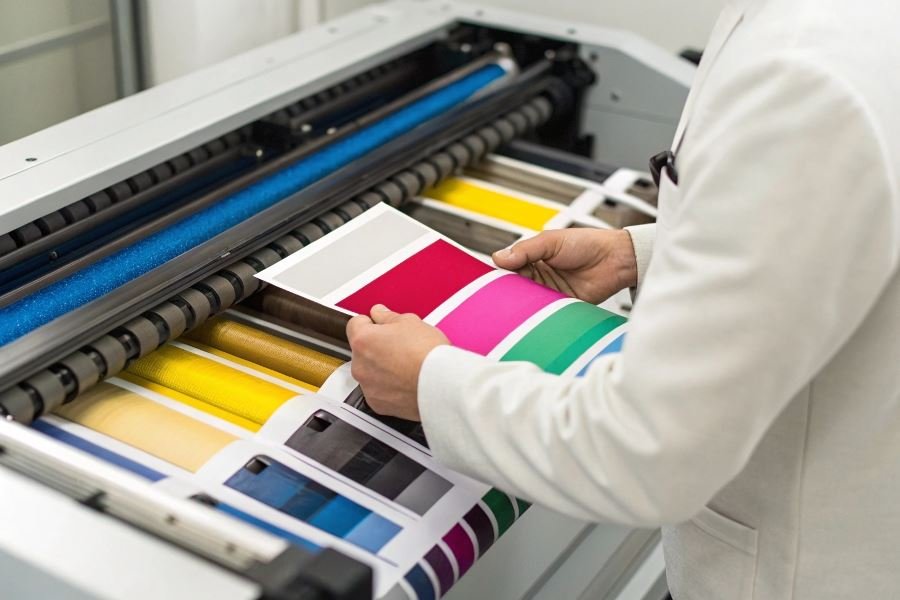
YMCKO ribbons represent the full-color standard in the industry. The letters stand for the color panels contained within:
- Y: Yellow panel
- M: Magenta panel
- C: Cyan panel
- K: Black panel (for sharp text and barcodes)
- O: Overlay panel (providing protection)
These ribbons produce vibrant, photo-quality cards with a protective layer that guards against wear and UV fading.
YMCKOK ribbons add another dimension with a second K panel specifically designed for printing on the back of cards. This allows for full-color printing on the front while adding critical information on the reverse side in a single pass through the printer.
| Ribbon Type | Best For | Typical Applications | Durability |
|---|---|---|---|
| Monochrome | Text, barcodes, simple graphics | Access cards, basic ID | Moderate |
| YMCKO | Full-color images, photos | Photo IDs, membership cards | High with overlay |
| YMCKOK | Dual-sided printing needs | Driver’s licenses, employee badges | High with overlay |
Yield Calculations and Cost Efficiency
Ribbon yield—the number of cards you can print per roll—directly impacts your operational costs. Standard yields include:
- Monochrome: 1,000-3,000 cards per roll
- YMCKO: 250-500 cards per roll
- YMCKOK: 200-400 cards per roll
When calculating true cost-per-card, consider not just the ribbon price but the total cost of ownership:
Cost per card = (Ribbon cost ÷ Yield) + (Card cost) + (Maintenance cost ÷ Cards between maintenance)Pro tip: Higher-yield ribbons typically offer better value, but only if you’ll use them before their shelf life expires (usually 12 months after opening).
Ensuring Perfect Ribbon-Printer Compatibility
Compatibility between ribbons and printers isn’t just recommended—it’s essential. Using incompatible supplies can result in:
- Poor print quality
- Premature printhead failure (a costly replacement)
- Voided printer warranties
Most manufacturers like Zebra and Evolis design their printers to work with specific ribbon formulations. Their proprietary ribbons often contain:
- RFID tags that communicate with the printer
- Specialized coatings calibrated for specific printhead temperatures
- Precise tensioning designed for the printer’s feed mechanism
Always verify compatibility using your printer’s specifications or the manufacturer’s compatibility chart before purchasing ribbons. While third-party options exist and may offer cost savings, they come with potential risks to print quality and equipment longevity.
By selecting the right ribbon type, calculating true costs beyond the sticker price, and ensuring perfect compatibility with your printer model, you’ll maximize both the quality and efficiency of your plastic card production process.
Maximizing Your Plastic Card Printer Consumables
Storage secrets that extend consumable life
Proper storage of plastic card printer consumables isn’t just good practice—it’s the difference between crisp, professional cards and costly reprints. Store ribbon cartridges in their original sealed packaging until needed, maintaining temperatures between 59-77°F (15-25°C) with humidity levels of 20-60%.
Never expose ribbons to direct sunlight or fluorescent lighting. UV exposure can degrade dye sublimation ribbons within hours, causing color shifts and reduced print quality. One client discovered this the hard way when $1,200 worth of Zebra ribbons were rendered unusable after being stored near a window.
For blank cards, store them horizontally in their original packaging to prevent warping. Handle cards by the edges only—fingerprints on card surfaces create invisible oil deposits that prevent proper dye adhesion during printing.
The most expensive ribbon is the one you waste through improper storage.
Consider investing in dedicated storage cabinets with controlled environments for large operations. These specialized units maintain optimal conditions and protect consumables from dust—the invisible enemy that causes print head damage and streaking.
Maintenance rhythms that optimize performance
Establishing a consistent maintenance schedule dramatically extends consumable life while improving output quality. Clean your print head after every ribbon change—not just when problems arise.
For high-volume operations (1,000+ cards monthly), implement this maintenance schedule:
| Frequency | Maintenance Task | Impact on Consumables |
|---|---|---|
| Daily | Visual inspection of card path | Prevents card jams that waste ribbons |
| Weekly | Print head cleaning with IPA cards | Extends ribbon yield by 5-8% |
| Monthly | Full printer cleaning including rollers | Reduces card misfeeds by up to 40% |
| Quarterly | Calibration check | Ensures optimal color usage and prevents wastage |
Automate your maintenance tracking using your printer’s built-in counters or dedicated software like CardPresso that alerts you when maintenance is due based on card count rather than calendar dates.
Cost strategies that preserve quality
Smart consumable management doesn’t mean cutting corners—it means eliminating waste. Purchase ribbons appropriate for your actual usage patterns. Full-color YMCKO ribbons are versatile but wasteful for monochrome applications. For ID badges with color photos but mostly black text, consider Evolis half-panel ribbons that use shorter color panels and longer black panels.
Implement card design practices that maximize ribbon efficiency:
- Position all color elements on one side of the card
- Use vector graphics instead of raster images where possible
- Standardize background colors across card batches
Bulk purchasing creates significant savings, but balance against shelf life. Most ribbons remain viable for 12 months when properly stored, but degradation accelerates once packaging is opened.
For enterprise operations, explore ribbon recycling programs offered by manufacturers like Fargo. These programs not only reduce environmental impact but often provide discounts on future purchases.
The most overlooked cost-saving strategy? Proper training. Operators who understand the relationship between printer settings, card design, and consumable usage consistently produce better cards with less waste. Invest in comprehensive training for anyone who touches your card production process.
Discover how to select the right ribbons, cleaning kits, and cards for your plastic card printer. Learn compatibility factors, cost-efficiency tips, and maintenance strategies to extend printer life while maintaining professional print quality.
Discover how to select the right ribbons, cleaning kits, and cards for your plastic card printer. Learn compatibility factors, cost-efficiency tips, and maintenance strategies to extend printer life while maintaining professional print quality.