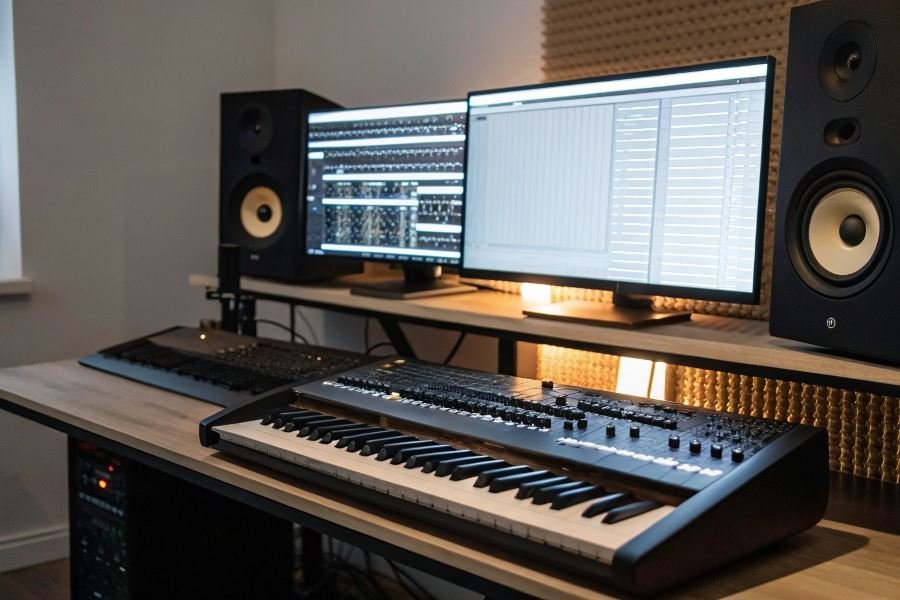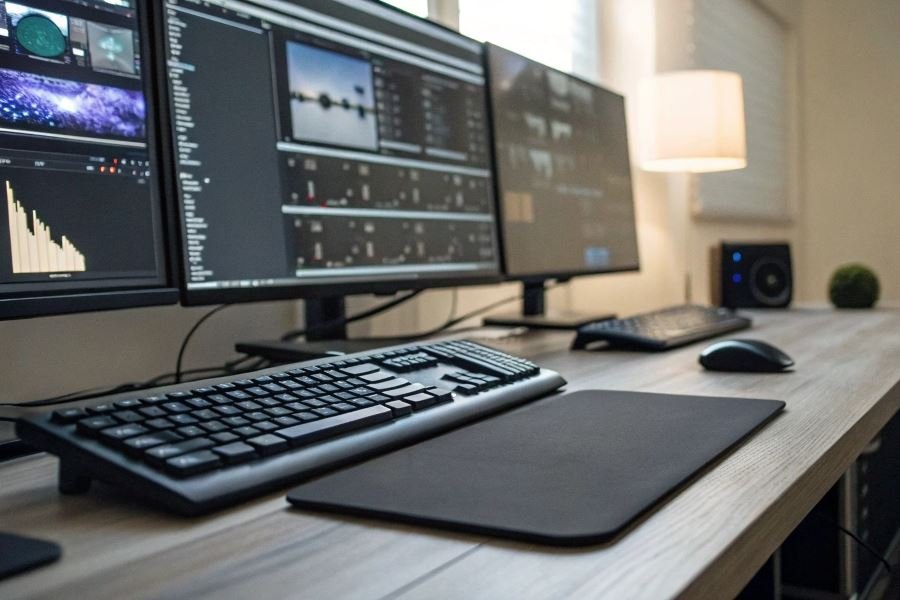
Ever wondered why a $5,000 workstation outperforms a $2,000 gaming PC for certain tasks? The secret isn’t just in the hardware—it’s the specialized software that transforms raw computing power into precision tools for creators and professionals.
Professional workstation software represents the specialized applications designed specifically for high-performance computing environments where precision, reliability, and specialized capabilities are non-negotiable. Unlike consumer software that prioritizes accessibility and broad appeal, professional-grade solutions focus on delivering industry-specific functionality that can handle complex workflows without compromise.
Consumer vs. professional: More than just a price tag
The differences between consumer and professional software extend far beyond cost. Professional applications offer depth over breadth—instead of doing many things adequately, they do specific things exceptionally well. Consider AutoCAD versus a consumer-level drawing program: one creates precise engineering specifications that can guide multi-million dollar construction projects, while the other helps design birthday cards.
“Professional software isn’t just about features—it’s about guarantees. When your livelihood depends on your output, you need tools that won’t fail when it matters most.”
From command line to AI assistance
The evolution of workstation software has been remarkable. Early professional applications in the 1980s required users to memorize complex command sequences. Today’s solutions incorporate AI-assisted workflows, cloud collaboration, and real-time rendering capabilities that would have seemed like science fiction just a decade ago. This progression hasn’t just made professionals more productive—it’s fundamentally transformed what’s possible in fields from architecture to scientific visualization.
Essential Software Arsenal for Professional Workstations
Industry-specific Professional Powerhouses
Professional workstations demand software that can handle intensive computational tasks while maintaining precision and reliability. The backbone of any professional setup begins with industry-specific applications that transform raw computing power into productive output.
For design professionals, software for professional workstation environments must balance performance with specialized functionality. Autodesk AutoCAD remains the gold standard for precision drafting, while Revit dominates the BIM landscape. These applications leverage multi-core processing and dedicated graphics to handle increasingly complex projects.
3D modeling professionals gravitate toward solutions like Blender for its versatility and open-source accessibility, while Maya and 3ds Max continue to define industry standards with their robust toolsets. The computational demands of these applications have driven workstation evolution, with modern systems requiring dedicated GPUs with at least 8GB VRAM for smooth performance.
Video professionals face perhaps the most demanding workflows, with applications like Adobe Premiere Pro and DaVinci Resolve processing massive 4K+ files. These editing suites benefit enormously from specialized hardware acceleration and optimized storage configurations.
Performance Optimization Tools
Even the most powerful workstation hardware requires proper software optimization to reach its potential. This category of utilities ensures your system maintains peak performance during resource-intensive tasks.
System monitoring applications provide real-time insights into hardware utilization. HWiNFO and MSI Afterburner offer detailed metrics on temperature, clock speeds, and utilization percentages—critical data for professionals pushing hardware limits.
Driver management solutions have evolved beyond simple updates. NVIDIA Studio Drivers and AMD Pro Drivers now offer application-specific optimizations that can improve performance by up to 30% in professional applications.
Storage optimization deserves special attention in professional environments. Tools like Samsung Magician for SSDs and WD Dashboard for Western Digital drives help maintain peak storage performance through firmware updates and health monitoring.
Security and Data Protection Essentials
Professional workstations often contain valuable intellectual property and sensitive client data, making robust security non-negotiable.
The average cost of a data breach reached $4.45 million in 2023, with small businesses particularly vulnerable to catastrophic losses.
Endpoint protection has evolved beyond traditional antivirus. Solutions like Bitdefender GravityZone and CrowdStrike Falcon use AI-driven behavioral analysis to identify threats before they execute.
Backup solutions for professionals must balance convenience with comprehensive protection. Acronis Cyber Protect integrates backup with cybersecurity, while Veeam Backup offers enterprise-grade protection scaled for smaller operations.
Encryption tools provide the final layer of protection. VeraCrypt offers free, open-source full-disk encryption, while Boxcryptor specializes in cloud storage encryption—essential for professionals collaborating remotely.
The right software transforms a powerful workstation from merely capable to truly exceptional, enabling professionals to focus on creation rather than computation. When selecting applications, prioritize those offering regular updates, hardware optimization, and robust security features to maximize your investment.
Mastering Software Selection for Professional Workstations
The science of software evaluation
Selecting software for professional workstations isn’t merely about downloading the latest release—it’s about strategic alignment with workflow demands. The evaluation process begins with performance benchmarking against industry standards. Top-tier solutions like Adobe Creative Cloud and Autodesk Maya consistently outperform competitors in rendering times and processing capabilities.
Compatibility forms the backbone of effective software integration. Professional environments demand seamless interoperability between applications—a 3D model created in Blender should transfer flawlessly to Cinema 4D without data loss or corruption.
The most overlooked evaluation criterion? Scalability potential. Software that grows with your operation prevents costly migrations later. Consider how SideFX Houdini scales from individual artists to enterprise-level production pipelines without fundamental workflow changes.
Security features have become non-negotiable evaluation metrics. Professional workstation software must include:
| Security Feature | Purpose | Industry Standard |
|---|---|---|
| End-to-end encryption | Protects data in transit | 256-bit AES minimum |
| Role-based access | Controls user permissions | Granular permission structures |
| Audit logging | Tracks system changes | Immutable logs with timestamps |
| Compliance certifications | Ensures regulatory adherence | ISO 27001, SOC 2 |
Investment wisdom beyond sticker price
The initial purchase price represents merely the tip of the financial iceberg. A comprehensive cost-benefit analysis must factor in implementation expenses, including training costs and productivity dips during transition periods. When Nuke replaced older compositing software at major studios, the transition investment averaged $4,200 per workstation—yet delivered 37% faster project completion times within six months.
Subscription models have revolutionized software economics. While Autodesk’s shift to subscription-only licensing initially sparked controversy, the model has proven financially advantageous for businesses with fluctuating project loads. The ability to scale licenses up or down monthly provides financial flexibility impossible with perpetual licensing.
The true ROI of professional software isn’t measured in dollars saved but in opportunities created.
Maintenance costs often exceed initial purchase prices over a software’s lifecycle. Enterprise solutions like Avid Media Composer typically require annual maintenance investments of 18-22% of initial purchase price—yet these costs prevent catastrophic workflow disruptions and security vulnerabilities.
Tomorrow’s workstation software landscape
AI-assisted workflows represent the most transformative trend in professional workstation software. Tools like Blackmagic DaVinci Resolve now incorporate machine learning to automate color grading and noise reduction tasks that previously required hours of manual work.
Cross-platform compatibility continues gaining momentum as development teams embrace platform-agnostic frameworks. The performance gap between Windows, macOS, and Linux versions of professional applications continues narrowing—a boon for diverse creative teams.
Cloud-native architecture is reshaping how workstation software functions. Rather than merely offering cloud storage, next-generation applications like Figma build their entire functionality around distributed computing models, enabling unprecedented collaboration capabilities while reducing local hardware requirements.
The subscription economy will evolve toward more granular models, with companies like Maxon pioneering feature-based pricing that allows professionals to pay only for tools they actively use rather than entire application suites.
Discover the most powerful professional workstation software solutions of 2025, from CAD and 3D modeling to performance optimization tools. Learn how to evaluate, implement, and maximize ROI on specialized software for demanding professional environments.
Discover the most powerful professional workstation software solutions of 2025, from CAD and 3D modeling to performance optimization tools. Learn how to evaluate, implement, and maximize ROI on specialized software for demanding professional environments.