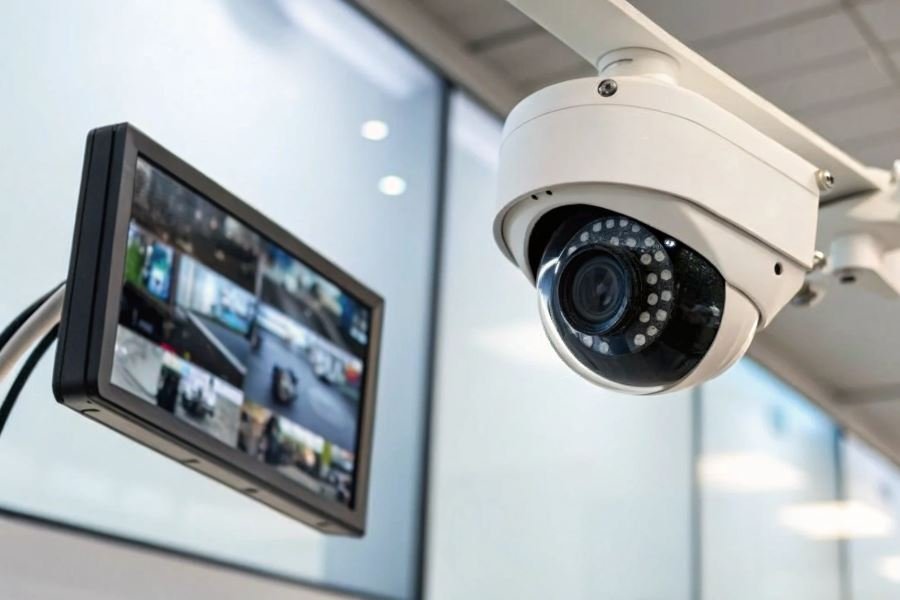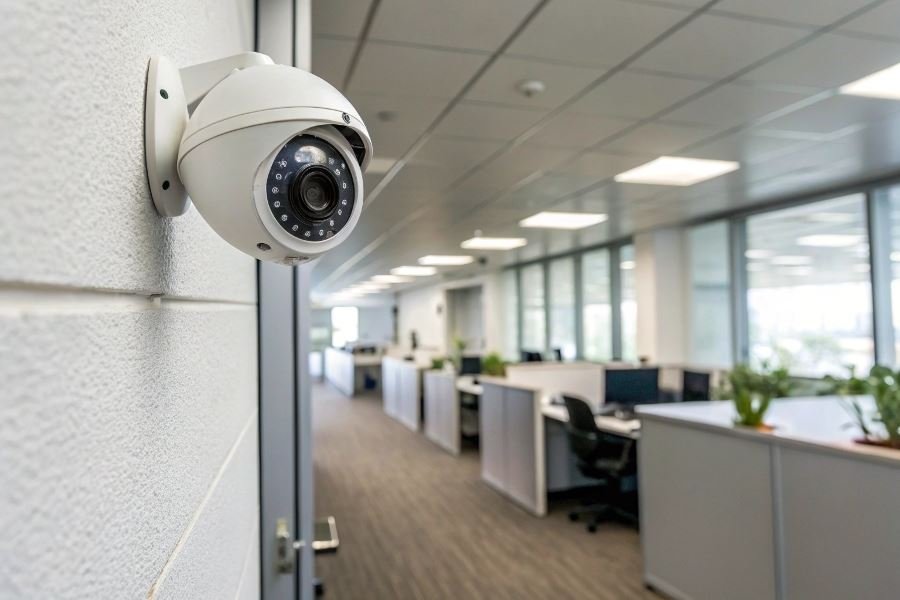
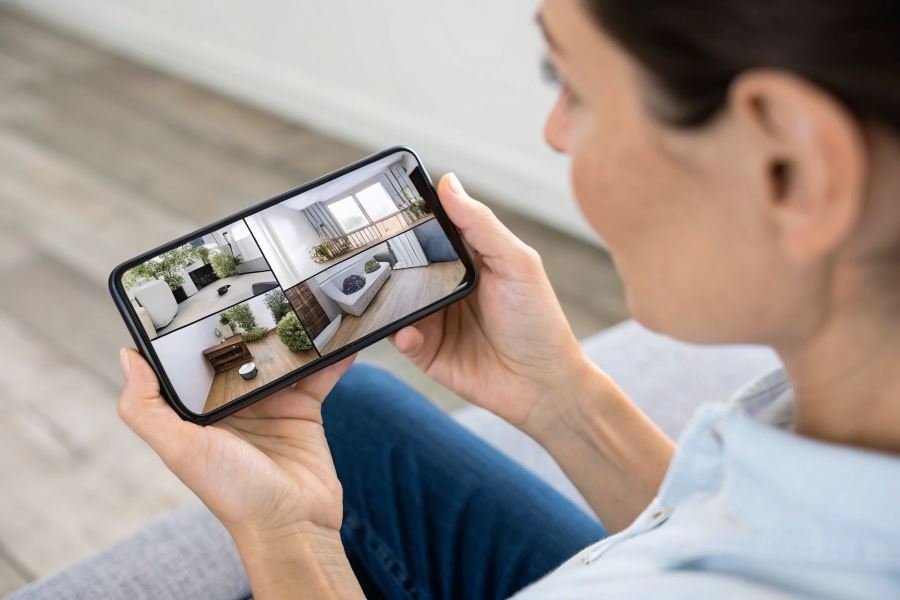
Ever wondered what’s happening at home while you’re away? A startling 85% of homeowners report feeling more secure after installing smartphone-connected surveillance systems. This isn’t just about security—it’s about reclaiming peace of mind in an increasingly unpredictable world.
Connecting surveillance cameras to your smartphone transforms passive monitoring into an active security experience. Instead of reviewing footage after an incident, you’re notified the moment something happens. That delivery you’ve been waiting for? You’ll see it arrive in real-time. Concerned about an elderly parent? Check in visually without disturbing them. The applications extend far beyond basic security.
Camera compatibility: Finding your perfect match
Not all surveillance cameras play nicely with smartphones. Here’s what’s available:
| Camera Type | Best For | Price Range |
|---|---|---|
| Wi-Fi cameras | Easy setup, indoor use | $30-150 |
| IP cameras | Professional monitoring, outdoor use | $100-300 |
| Doorbell cameras | Front door security | $100-250 |
| PTZ cameras | Wide coverage areas (pan/tilt/zoom) | $150-400 |
Each type offers distinct advantages depending on your specific needs. Wi-Fi cameras provide plug-and-play simplicity, while IP cameras deliver robust features for serious security applications.
Before you begin: Setting the stage for success
Before diving into installation, ensure you have:
- Stable internet connection (minimum 5Mbps upload speed)
- Smartphone with sufficient storage for the companion app
- Strong Wi-Fi signal where cameras will be placed
- Power source for each camera (or plan for battery management)
The foundation of any reliable surveillance system lies in these prerequisites. Skipping this preparation often leads to frustration and system failures that compromise your security investment.
Connecting Your Surveillance System to Mobile
The security landscape has transformed dramatically with smartphone integration becoming the nerve center of modern surveillance systems. Setting up a direct connection between your surveillance cameras and mobile device creates a powerful security command center that fits in your pocket. Let’s dive into the exact process of establishing this crucial link.
Wireless Connection Setup
The foundation of any mobile surveillance system begins with establishing a rock-solid wireless connection. Most modern security cameras connect to smartphones through your home WiFi network, creating a bridge between your cameras and mobile devices.
To connect surveillance cameras to a smartphone, you’ll first need to position your cameras within range of your WiFi router. The optimal distance varies by model, but generally keeping cameras within 100 feet of your router ensures stable connectivity. For outdoor installations, consider a WiFi extender to maintain signal strength through walls and across longer distances.
Connection steps:
- Power up your camera according to manufacturer instructions
- Access your router settings to note your network name (SSID) and password
- Place the camera in setup mode (usually by pressing a reset button)
- The camera should create its own temporary WiFi network
- Connect your smartphone to this temporary camera network
- Complete the setup process to transfer your home WiFi credentials to the camera
For wired cameras requiring a network video recorder (NVR), you’ll need to ensure the NVR itself is connected to your home network, typically via Ethernet cable. This creates the pathway for your smartphone to access the camera feeds remotely.
App Configuration and Account Setup
Every surveillance system requires dedicated software to function as the control interface on your smartphone.
Most manufacturers provide their own proprietary apps, while some systems work with third-party solutions like Tinycam Monitor for Android or IP Camera Viewer for iOS.
Essential app setup steps:
- Download the manufacturer’s recommended app from your device’s app store
- Create a secure account with a strong password (minimum 12 characters with mixed case, numbers, and symbols)
- Follow the in-app instructions to add your specific camera model
- Enable two-factor authentication when available for additional security
- Configure notification preferences based on your monitoring needs
| App Feature | Importance | Configuration Priority |
|---|---|---|
| Motion Detection | Critical | High |
| Push Notifications | Essential | High |
| Cloud Storage | Important | Medium |
| Two-Factor Auth | Critical | High |
| Remote Viewing | Essential | Medium |
Troubleshooting and Optimization
Even perfectly installed systems occasionally encounter connectivity issues. The most common problems involve WiFi signal strength, incorrect password entry, or firmware incompatibilities.
When troubleshooting connection failures, start with the basics:
- Restart everything: Power cycle both the camera and your router
- Check distances: Move the camera closer to your router temporarily to test connection
- Update firmware: Ensure both your camera and app are running the latest software versions
- Verify credentials: Double-check network passwords and account information
For optimal performance, adjust your camera settings based on your specific needs. Lower resolution settings (720p instead of 1080p) can improve streaming reliability on slower networks, while adjusting motion sensitivity prevents notification fatigue from false alarms.
Pro tip: Create a dedicated VLAN (Virtual Local Area Network) on your router for security devices to isolate them from other home devices, enhancing both performance and security.
Unlocking Smart Surveillance Superpowers
When you’ve connected your surveillance cameras to your smartphone, you’re just scratching the surface of what’s possible. The real magic happens when you activate advanced features that transform basic monitoring into an intelligent security ecosystem. Let’s dive into the capabilities that separate amateur setups from professional-grade surveillance systems.
Motion detection that actually works
Motion detection has evolved far beyond the primitive systems that triggered alarms when a leaf blew past. Today’s smart cameras use sophisticated algorithms to distinguish between a potential intruder and your neighbor’s cat.
To set up effective motion detection alerts:
- Define custom activity zones within your camera’s field of view to monitor specific areas like doorways or windows while ignoring high-traffic areas
- Adjust sensitivity thresholds based on your environment to minimize false alarms
- Configure time-based rules to activate heightened sensitivity during nighttime hours
The Ring Video Doorbell exemplifies this technology with its person detection feature, which can differentiate between humans and other moving objects. Similarly, Nest Cam offers facial recognition capabilities that can alert you when it spots an unfamiliar face.
Remote viewing that delivers when it matters
Remote access has transformed from a luxury to a necessity. Modern systems offer:
Real-time HD streaming with minimal latency, even over cellular connections
Two-way audio communication to interact with visitors or deter intruders
Encrypted connections that protect your privacy while allowing legitimate access
The true value of remote surveillance isn’t just seeing what’s happening—it’s being able to respond immediately when seconds count.
Most platforms now include cloud recording options that automatically capture and store footage when motion is detected. The Arlo Pro 4 offers rolling 30-day cloud storage, while Wyze Cam provides free 14-day cloud storage for motion events.
Smart home integration for comprehensive security
Isolated security devices are becoming obsolete as integration capabilities expand. Your surveillance system can now:
Trigger smart lights to illuminate when motion is detected
Automatically lock doors when suspicious activity is identified
Send commands to your entire security ecosystem through voice assistants
| Integration Platform | Key Benefit | Compatible Ecosystems |
|---|---|---|
| IFTTT | Custom automation recipes | 650+ services |
| Home Assistant | Local processing for privacy | Open source flexibility |
| Amazon Alexa | Voice command convenience | Echo devices, Ring, Blink |
| Google Home | AI-powered routines | Nest, Arlo, TP-Link |
The SimpliSafe system exemplifies this integration approach, working seamlessly with both Google Assistant and Amazon Alexa while maintaining bank-level encryption standards.
For maximum effectiveness, consider creating conditional automations—for example, having your Philips Hue lights flash red when motion is detected after midnight, while simultaneously sending high-priority notifications to your phone and activating your smart speaker to play a deterrent sound.
These advanced features transform passive monitoring into active protection, giving you not just visibility but actionable intelligence and response capabilities that make your surveillance system truly smart.
Learn how to connect surveillance cameras to your smartphone with our comprehensive guide. Discover wireless setup methods, app configuration, troubleshooting tips, and advanced features like motion alerts and remote viewing for enhanced home security.
Learn how to connect surveillance cameras to your smartphone with our comprehensive guide. Discover wireless setup methods, app configuration, troubleshooting tips, and advanced features like motion alerts and remote viewing for enhanced home security.