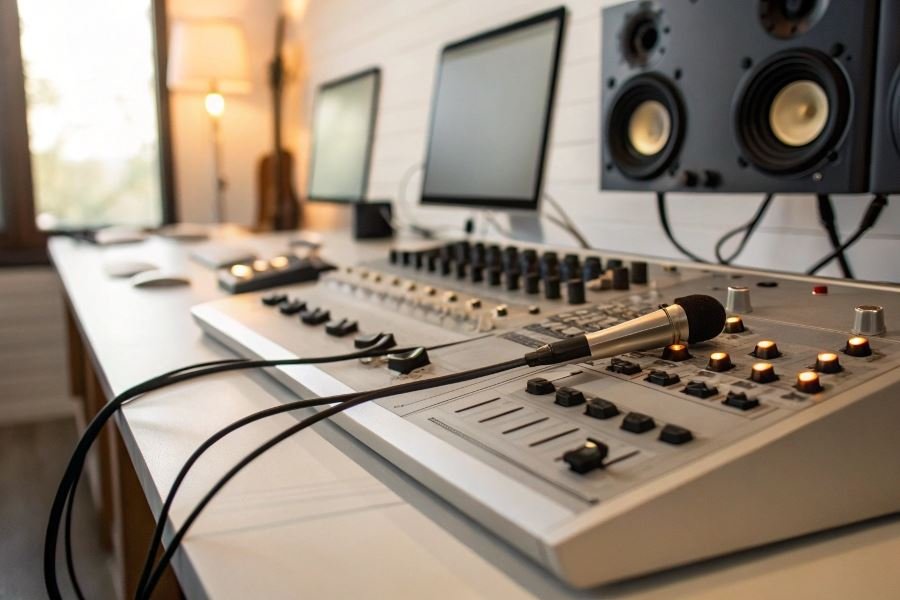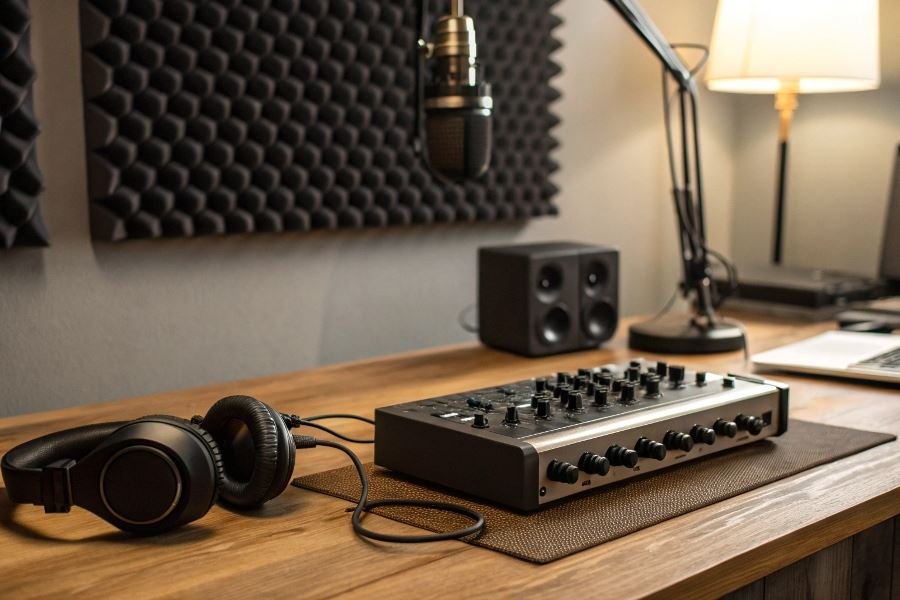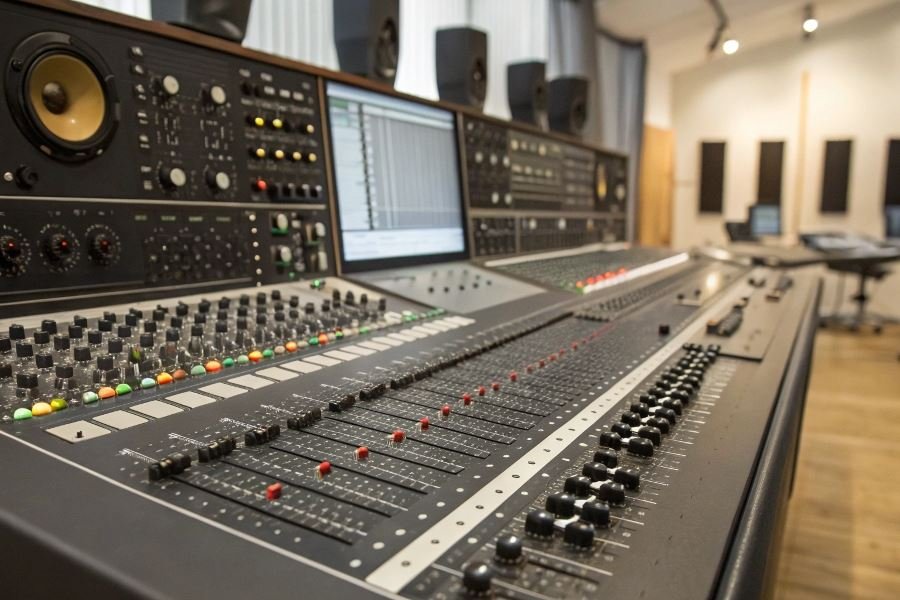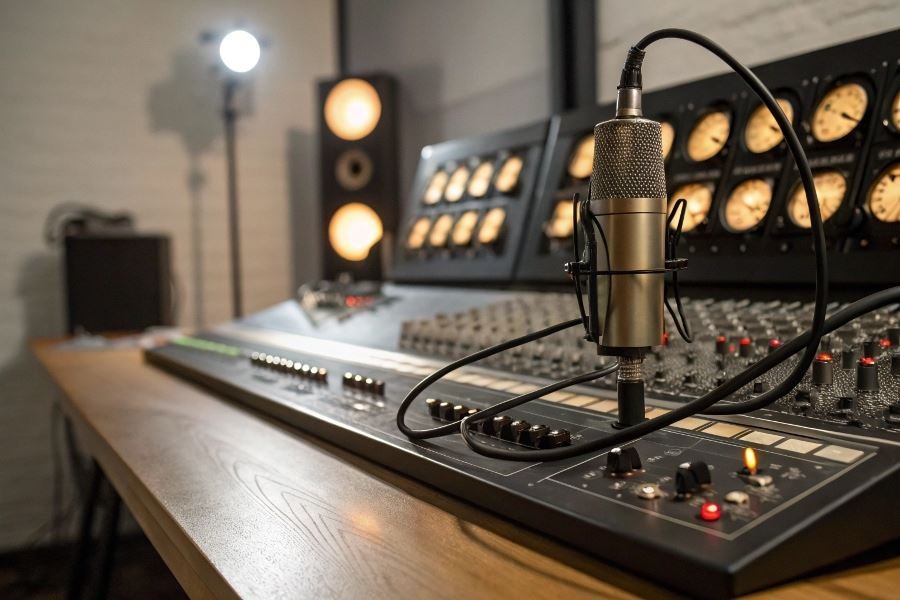
That pristine vocal take you just recorded? It wouldn’t exist without the unsung hero sitting quietly on your desk. Audio interfaces are the critical bridge between your creative world and digital reality—yet many producers overlook their importance until faced with unexplained noise, latency issues, or compatibility nightmares.
An audio interface serves as the essential translator between analog sound sources (microphones, instruments) and your digital audio workstation (DAW). It converts analog signals into digital data your computer can process, while simultaneously handling the reverse journey for monitoring. But today’s interfaces do far more than simple conversion—they’re complete command centers for your recording environment.
The evolution of this technology has been remarkable. What once required rack-mounted units costing thousands has transformed into sleek, powerful devices accessible to creators at every level. Since the early 2000s, we’ve witnessed a revolution in converter quality, preamp design, and connectivity options. The market now spans from ultra-portable single-input solutions to professional-grade interfaces offering 32+ channels of simultaneous recording.
“The quality of your recordings will never exceed the quality of your audio interface.” — This reality shapes every professional recording decision.
Selecting the right interface isn’t merely about specifications—it’s about matching technology to your creative workflow. The wrong choice creates bottlenecks that compromise your sound at its source, while the right match becomes invisible, letting your creativity flow unimpeded. Professional results demand professional tools, but “professional” doesn’t necessarily mean the most expensive option—it means the right option for your specific recording needs.
Technical Specifications That Make or Break Your Audio Interface
When selecting an audio interface for professional recording, understanding the technical specifications is crucial for achieving studio-quality results. The difference between an adequate recording and a professional one often comes down to the technical capabilities of your interface. Audio interfaces for professional recording: what to pay attention to involves examining several critical specifications that directly impact your sound quality, workflow efficiency, and future-proofing your studio setup.
Preamp Quality: The First Link in Your Signal Chain
The preamp section of an audio interface serves as the foundation of your recording quality. High-quality preamps provide clean amplification with minimal noise—a critical factor when recording quiet sources or capturing subtle details.
Microphone input options vary significantly across interfaces:
- XLR inputs for professional condenser, dynamic, and ribbon microphones
- Combo jacks offering both XLR and 1/4″ connections for flexibility
- Hi-Z inputs specifically designed for direct instrument recording
Premium interfaces like the Apogee Symphony Desktop feature preamps with exceptional headroom (often 75dB or more) and extremely low noise floors (-128dB EIN). This translates to cleaner recordings even before you begin mixing.
The number of simultaneous inputs you need depends entirely on your recording scenarios—recording a drum kit might require 8+ channels, while a podcast might need just two.
Conversion Quality: The Digital Transformation
| Specification | Entry-Level | Professional | Ultra High-End |
|---|---|---|---|
| Bit Depth | 16-bit | 24-bit | 32-bit float |
| Sample Rate | 44.1/48kHz | Up to 96kHz | Up to 192kHz+ |
| Dynamic Range | <110dB | 110-120dB | 120dB |
Conversion quality determines how accurately your analog audio is translated into digital information. The Universal Audio Apollo x8 exemplifies exceptional conversion with 24-bit/192kHz capability and 129dB dynamic range, preserving the full spectrum of your performance.
Bit depth affects dynamic range—24-bit recording provides 144dB of theoretical dynamic range compared to 96dB for 16-bit, giving you significantly more headroom and detail.
Sample rate determines frequency response—higher rates capture frequencies beyond human hearing but provide more detail for processing. While 44.1kHz captures up to 22kHz (beyond human hearing), higher sample rates reduce aliasing in digital processing.
The difference between good and great conversion isn’t just in the specifications—it’s in the implementation of those specifications through quality components and thoughtful circuit design.
Connectivity: The Pipeline to Your Computer
Your interface’s connection type dramatically impacts performance, latency, and expandability:
USB connections offer broad compatibility:
- USB 2.0: Sufficient for smaller channel counts (2-4 inputs)
- USB 3.0/3.1: Supports higher channel counts and lower latency
- USB-C: Provides faster data transfer and often supports bus power
Thunderbolt connectivity, found in interfaces like the Focusrite Red 8Line, delivers exceptional performance with:
- Ultra-low latency (often under 1ms)
- Higher channel counts
- Daisy-chaining capability for studio expansion
PCIe connections remain the gold standard for professional studios requiring:
- Maximum channel counts (often 128+ channels)
- The absolute lowest latency
- Integration with larger studio systems
The impact of these connection types extends beyond specifications—Thunderbolt and PCIe interfaces typically include higher-quality components throughout, as they’re designed for professional applications where performance is paramount.
When evaluating interfaces, remember that these specifications work together as a system. A high sample rate means little if paired with poor preamps, and excellent converters can’t compensate for a connection type that introduces latency or instability.
Making the Final Decision: Audio Interfaces That Elevate Your Sound
Selecting the perfect audio interface isn’t just a purchase—it’s a partnership that will shape your sonic signature for years to come. After exploring the technical specifications and connectivity options, it’s time to bring everything together and make that crucial final decision.
Aligning Technology With Your Creative Vision
The most expensive interface isn’t necessarily the right one. Your ideal match depends on your specific recording environment, workflow, and ambitions. A classical pianist recording solo performances needs different features than a podcast producer or a band tracking multiple instruments simultaneously.
Consider these alignment factors:
- Input requirements: How many simultaneous recordings will you make?
- Monitoring needs: Do you require multiple headphone outputs?
- Processing power: Will you need onboard DSP for real-time effects?
- Portability factor: Are you recording in multiple locations?
The perfect audio interface isn’t the one with the most features—it’s the one that removes barriers between your creative vision and its execution.
Budget considerations should focus on value rather than price alone. Investing in quality preamps and converters will yield audible improvements in your recordings, while skimping here often leads to costly upgrades later.
Professional-Grade Interfaces For Every Scenario
Based on extensive testing and professional feedback, these interfaces stand out in their respective categories:
Studio Production Powerhouse
The Universal Audio Apollo x8 delivers exceptional conversion quality, legendary preamps, and powerful onboard DSP processing. Its ability to run UAD plugins with near-zero latency makes it ideal for complex productions where monitoring through effects is essential.
Mobile Recording Excellence
The Sound Devices MixPre-6 II combines professional-grade preamps with rugged portability. Its Kashmir preamps offer remarkably clean gain (up to 76dB), making it perfect for field recordings, location sound, and musicians who need studio quality while traveling.
Budget-Conscious Professional
The Audient iD14 MKII punches well above its price point with console-grade preamps, exceptional conversion, and expandability via ADAT. It’s the rare interface that doesn’t compromise sound quality despite its accessible price.
| Interface | Best For | Standout Feature | Price Range |
|---|---|---|---|
| Universal Audio Apollo x8 | Complex studio productions | Real-time UAD processing | $2,000+ |
| Sound Devices MixPre-6 II | Location recording | Ultra-clean preamps, durability | $1,000+ |
| Audient iD14 MKII | Budget-conscious pros | Console-grade preamps | $300+ |
Future-Proofing Your Audio Investment
The professional audio landscape evolves constantly, but a thoughtfully chosen interface can remain relevant for many years. Consider these future-proofing strategies:
Expandability pathways should influence your decision. Interfaces with ADAT or other digital expansion options allow you to add more inputs as your needs grow without replacing your core interface.
Software ecosystem longevity matters tremendously. Companies with consistent update schedules and backward compatibility support provide better long-term value than those with spotty development histories.
Connection standards continue evolving. While Thunderbolt and USB-C offer excellent performance today, ensure your computer can support these connections or budget for potential adapter needs.
The most future-proof approach combines quality fundamentals (excellent preamps and converters) with expandability options. This strategy allows you to scale your system organically while maintaining the sonic character that defines your work.
Remember that the ultimate goal isn’t owning gear—it’s creating recordings that capture performances with clarity, depth, and emotion. The right interface removes technical barriers, allowing you to focus entirely on the music.
Discover the essential factors for selecting professional audio interfaces in 2025. Compare preamp quality, conversion specs, and connectivity options to find the perfect match for your studio setup and recording needs.
Discover the essential factors for selecting professional audio interfaces in 2025. Compare preamp quality, conversion specs, and connectivity options to find the perfect match for your studio setup and recording needs.