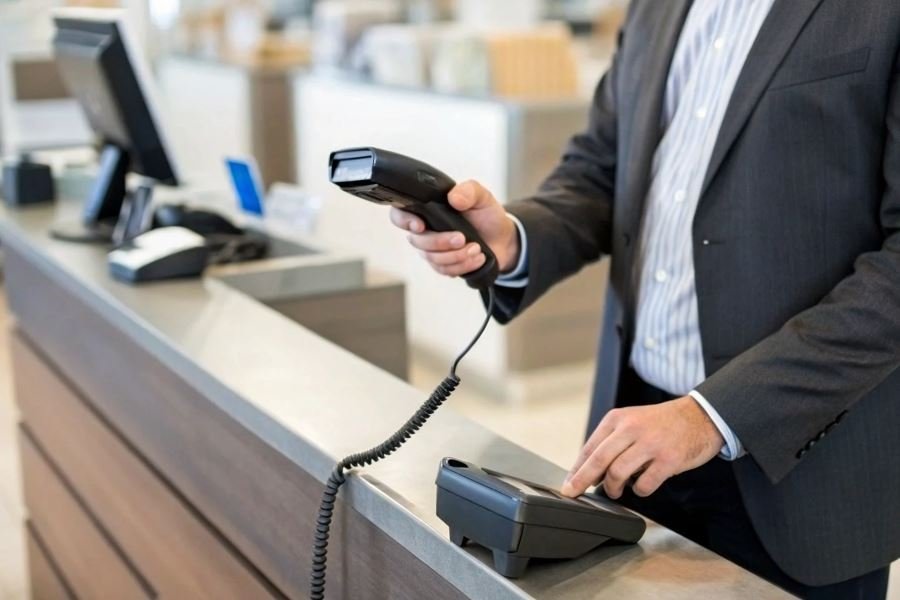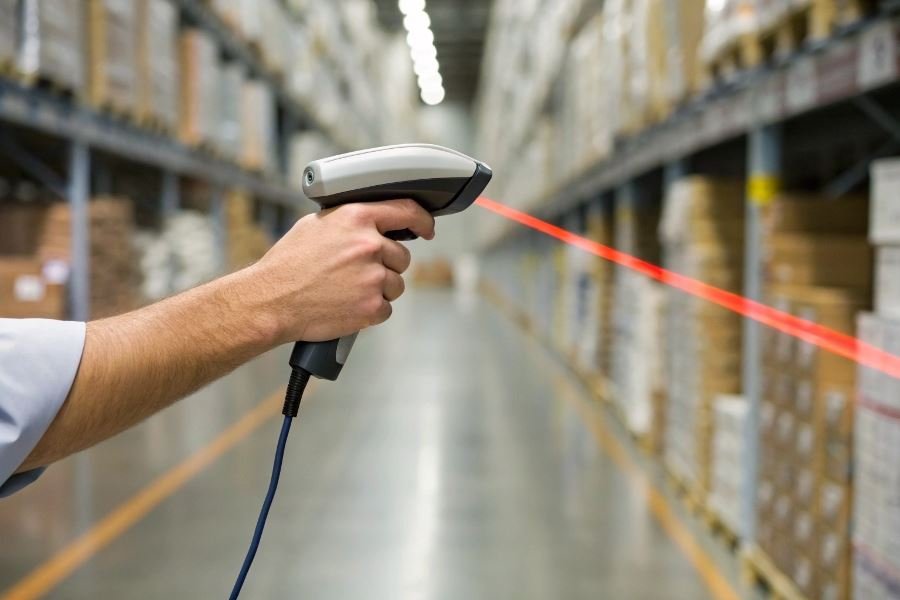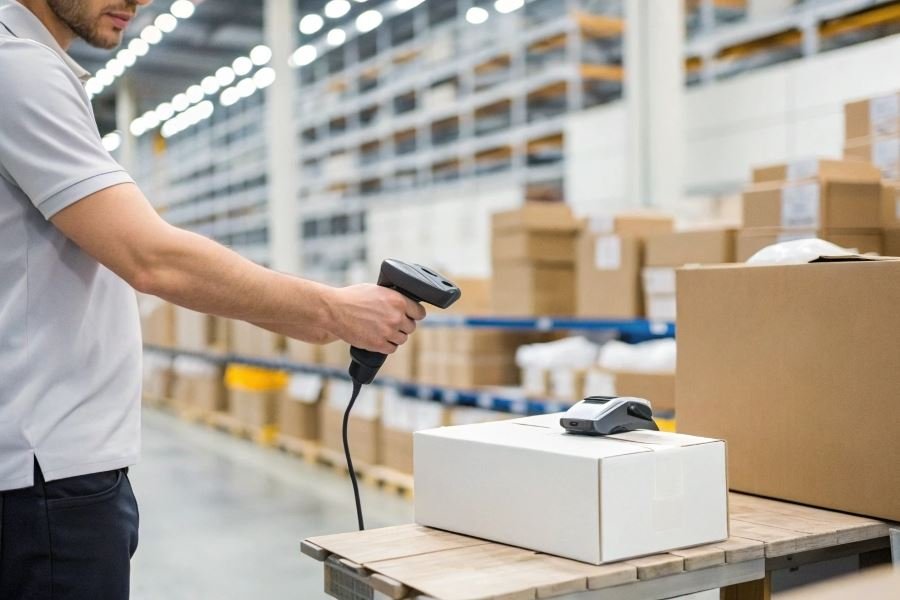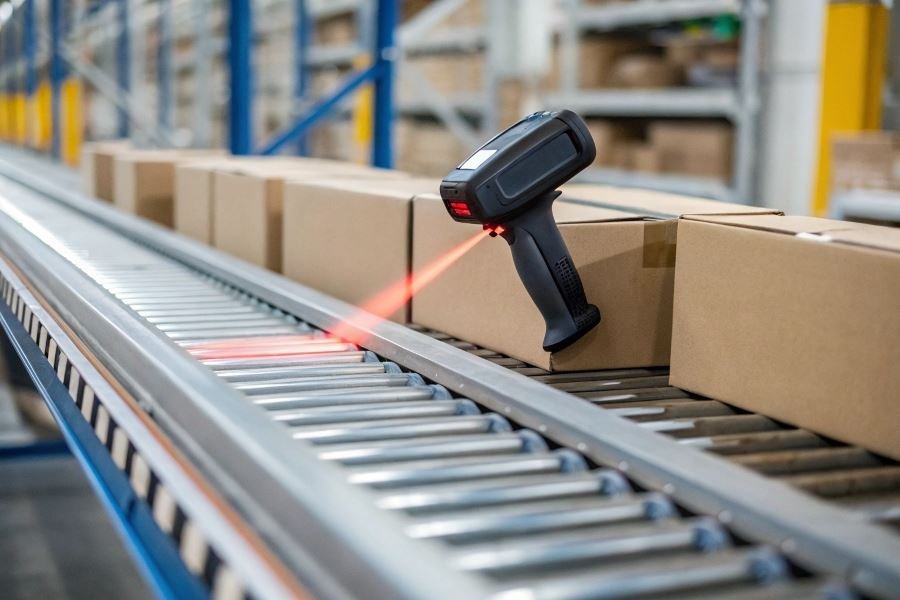
Ever watched a warehouse team scan 1,200 packages per hour with pinpoint accuracy? That’s the power of industrial barcode scanners – the unsung heroes transforming inventory management from a logistical nightmare into a precision science.
Industrial barcode scanners aren’t just beefed-up versions of the scanners you see at retail checkouts. They’re purpose-built workhorses designed to thrive where consumer models fail. While commercial scanners might handle a few dozen scans daily in climate-controlled environments, their industrial counterparts process thousands of scans in freezing warehouses, dusty manufacturing floors, and even outdoors during rainstorms.
The difference is more than skin-deep. Industrial scanners feature reinforced housings that survive 6-foot drops onto concrete, IP65 or higher ratings for dust and water resistance, and extended temperature tolerances from -22°F to 122°F. Their advanced imaging technology captures damaged, faded, or partially obscured barcodes that would stump retail scanners.
“The right scanner isn’t a cost—it’s an investment that pays dividends through reduced errors, accelerated workflows, and enhanced data visibility.”
Selecting the appropriate industrial scanner directly impacts your bottom line. Companies that implement properly matched scanning solutions report up to 99.8% accuracy in inventory management and 30% faster processing times. One manufacturing client eliminated $42,000 in annual rework costs simply by upgrading to scanners that could read codes on reflective metal surfaces.
The stakes are clear: the right scanner becomes an operational multiplier; the wrong one creates a bottleneck that ripples through your entire supply chain.
Technical Essentials That Make or Break Your Industrial Scanner
When evaluating industrial barcode scanners, the technical specifications aren’t just numbers on a spec sheet—they’re the difference between operational excellence and costly downtime. The criteria for choosing an industrial barcode scanner must prioritize performance metrics that align with your specific workflow demands and environmental challenges.
1D vs. 2D: Choosing Your Scanning Technology
The foundation of any scanner selection begins with determining which symbology you need to capture. Linear (1D) scanners excel at reading traditional barcodes found on retail products and shipping labels, while 2D imagers can handle QR codes, Data Matrix, and other complex symbologies that pack more information into smaller spaces.
Laser scanners have dominated 1D reading for decades with their precision and speed, but modern imager technology has largely closed the gap while offering greater versatility. Today’s area imagers can read both 1D and 2D codes from virtually any angle, even when damaged or poorly printed.
The shift toward 2D technology isn’t just about capability—it’s about future-proofing your investment.
| Scanner Type | Code Types | Advantages | Limitations |
|---|---|---|---|
| Laser | 1D only | Longer read range, faster scanning | Cannot read 2D codes |
| Linear Imager | 1D only | Better with damaged codes | Limited range |
| Area Imager | 1D and 2D | Omnidirectional, handles poor quality | Higher initial cost |
Read Range and Speed: The Performance Equation
The distance at which your scanner can successfully capture data directly impacts workflow efficiency. Warehouse operations typically require scanners with ranges from 2 feet to over 50 feet for forklift applications, while manufacturing lines might prioritize rapid-fire scan rates over distance.
Scan speed becomes critical in high-volume environments where milliseconds matter. Top-tier industrial scanners can process hundreds of scans per second, but this performance comes at a premium that may not be justified for lower-volume applications.
Connectivity That Powers Your Data Flow
Modern industrial scanners offer multiple connectivity options that determine how seamlessly they integrate with your existing systems:
- Wired options include USB, RS-232, and Ethernet connections
- Wireless capabilities span Bluetooth, Wi-Fi, and proprietary radio frequencies
- Network-ready models that connect directly to your infrastructure without intermediate computers
The Zebra DS3600 series exemplifies this versatility with multi-connectivity options that allow real-time data transmission across challenging industrial environments.
Durability: Built for Industrial Battlegrounds
Perhaps no specification matters more in industrial settings than durability. The IP (Ingress Protection) rating system provides a standardized measure of resistance to environmental hazards:
- IP65 protects against dust and low-pressure water jets
- IP67 adds immersion protection up to 1 meter
- IP68 offers continuous submersion capability
Beyond water and dust, drop specifications indicate how many times a scanner can fall onto concrete from specified heights (typically 5-10 feet) without failure. Operating temperature ranges are equally crucial, with industrial-grade scanners functioning reliably from -22°F to 122°F (-30°C to 50°C).
The Honeywell Granit 1980i scanner demonstrates exceptional ruggedness with its ability to withstand 50 drops from 6.5 feet to concrete and operate in freezer environments as cold as -22°F.
When evaluating these technical criteria, remember that the ideal scanner balances performance requirements with environmental demands—creating a reliable data capture solution that delivers consistent results in your specific industrial setting.
Making the Final Call on Your Industrial Scanner
Beyond the price tag
When selecting an industrial barcode scanner, the sticker price is just the beginning of your financial relationship with the device. The total cost of ownership (TCO) often reveals surprising long-term implications. A premium Zebra scanner priced at $1,200 might actually cost less over five years than a $700 budget alternative when you factor in durability and downtime costs.
Consider these TCO components:
- Replacement rate (budget scanners may need replacement 2-3x more frequently)
- Battery life and replacement costs
- Software licensing and updates
- Repair expenses outside warranty
- Productivity losses during failures
One manufacturing client saved $43,000 over three years by investing in ruggedized Honeywell scanners despite their 40% higher initial cost. Why? Their previous budget scanners failed twice yearly in their dusty environment, creating 4-6 hours of downtime per incident.
Support structures that actually support
Vendor support isn’t just a checkbox—it’s your lifeline when systems fail during peak operations. Evaluate potential partners using these critical metrics:
| Support Element | Questions to Ask | Red Flags |
|---|---|---|
| Technical Support | Hours of operation? Response time guarantees? | Limited to business hours; No SLAs |
| Warranty Terms | Duration? What’s excluded? | <1 year coverage; Excessive exclusions |
| Replacement Options | Advance replacement available? | Ship-in repair only |
| Software Updates | Frequency? Cost structure? | Paid updates only; Infrequent releases |
The difference between good and exceptional support often becomes apparent only during a crisis.
The warranty deserves particular scrutiny. A standard 12-month manufacturer warranty might seem adequate, but industrial environments demand more. Look for vendors offering 3-5 year comprehensive coverage options. Datalogic and Cognex have distinguished themselves with warranty programs that include accidental damage protection—invaluable for warehouse environments.
Realistic implementation planning
The most overlooked aspect of scanner deployment is the implementation timeline. Rushing deployment inevitably creates costly bottlenecks. A realistic timeline includes:
- Initial configuration and testing (1-2 weeks)
- Integration with existing systems (2-4 weeks)
- Pilot deployment with limited users (1-2 weeks)
- Training period (1-3 days per team)
- Full deployment rollout (1-4 weeks depending on scale)
Training requirements vary dramatically based on scanner complexity. Simple linear barcode scanners might require minimal training, while advanced 2D imaging systems with multiple capture modes demand comprehensive programs. Budget 4-8 hours of training per user for complex systems.
Smart organizations document scanner procedures and create quick-reference guides that reduce ongoing training needs.
When evaluating training, ask vendors about their resources: Do they offer on-site training? Video tutorials? Certification programs? The best vendors provide a mix of formats to accommodate different learning styles and shift schedules.
By thoroughly evaluating TCO, support structures, and implementation requirements, you’ll select not just a scanner but a complete solution that delivers lasting value to your operation.
Discover the 7 critical criteria for selecting industrial barcode scanners that maximize efficiency and ROI. Learn about scanning technologies, durability requirements, connectivity options, and cost considerations for your warehouse operations.
Discover the 7 critical criteria for selecting industrial barcode scanners that maximize efficiency and ROI. Learn about scanning technologies, durability requirements, connectivity options, and cost considerations for your warehouse operations.