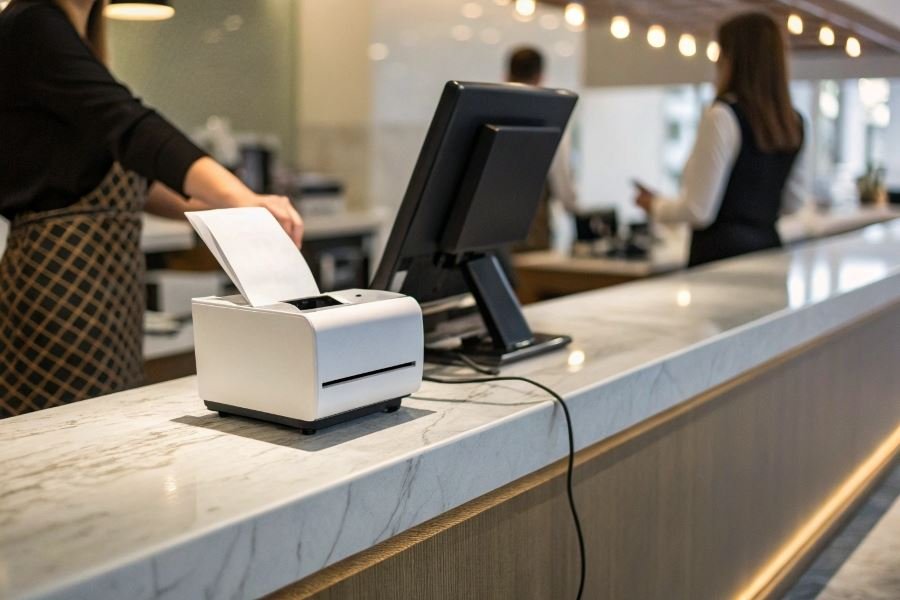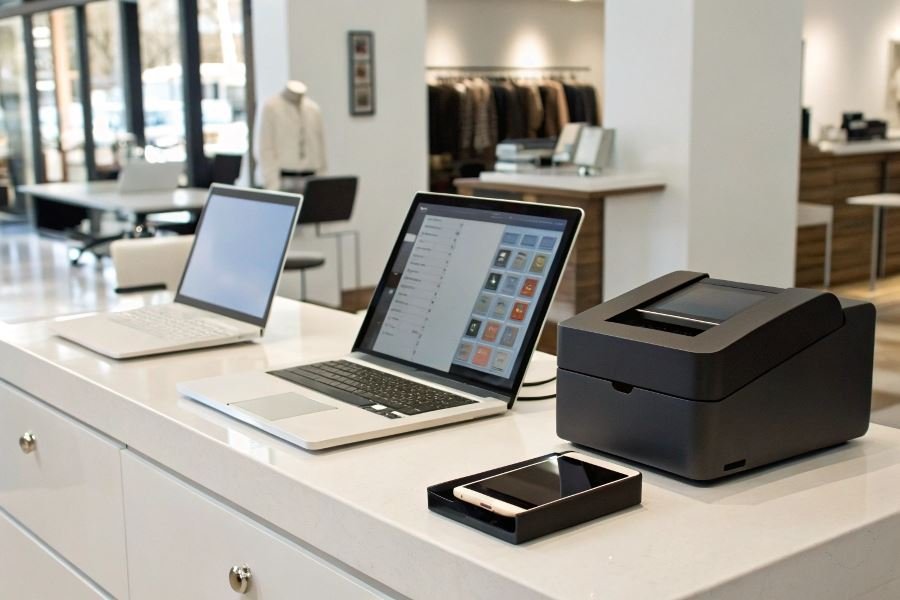
Ever stood in line watching a cashier frantically troubleshoot a receipt printer while a queue of customers collectively sighs? That small thermal device represents the final handshake in thousands of daily transactions—yet when compatibility issues arise, business grinds to a halt.
Receipt printers serve as the critical final step in the customer journey, transforming digital transactions into physical proof of purchase. While seemingly simple, these devices must navigate a complex ecosystem of operating systems, point-of-sale software, and hardware configurations. The difference between seamless operation and system failure often comes down to compatibility factors that many business owners overlook until problems emerge.
Compatibility challenges lurk everywhere. From Windows to macOS, Android to iOS, each operating system communicates with peripherals differently. Legacy systems might require specific drivers that newer operating systems no longer support. Cloud-based POS solutions introduce additional variables, requiring printers that can handle network protocols rather than direct connections.
The financial impact of incompatibility extends beyond frustrated customers. According to retail efficiency studies, even minor receipt printing delays can reduce transaction throughput by 15-20% during peak hours.
Three key factors determine whether your receipt printer will play nicely with your business systems:
- Driver architecture – The software bridge between your operating system and printer
- Connection protocols – USB, Ethernet, Bluetooth, or WiFi capabilities
- Software integration capabilities – API support and compatibility with your specific POS software
Understanding these fundamentals helps prevent costly compatibility issues before they impact your bottom line.
The Ultimate Receipt Printer Compatibility Guide
Receipt printers might seem like simple devices, but their compatibility across different operating systems can make or break your point-of-sale setup. The landscape of compatibility of receipt printers with various operating systems and software has evolved dramatically, with manufacturers racing to ensure their hardware works seamlessly across platforms. Let’s dive into the compatibility maze and emerge with clarity.
Windows: The Universal Player
Windows remains the dominant platform for retail and hospitality businesses, and for good reason. Most receipt printers offer plug-and-play functionality with Windows 10 and 11, requiring minimal setup. The Epson TM-T88VII exemplifies this ease, offering native Windows drivers that install automatically when connected.
Driver architecture matters significantly. Windows-compatible printers typically use:
- OPOS (OLE Point of Sale) drivers for application-independent functionality
- Native Windows drivers for direct OS integration
- Middleware solutions for legacy systems
The Star Micronics TSP143IIIU takes Windows compatibility further with its unique futurePRNT software, allowing customized receipts without additional programming. Most Windows-compatible printers support both 32-bit and 64-bit architectures, though older models might require legacy driver packages.
macOS and iOS: The Elegant Challengers
Apple’s ecosystem presents unique challenges for receipt printer integration. Unlike Windows, macOS and iOS don’t prioritize receipt printer support out of the box.
The compatibility landscape has improved dramatically since 2020, however. Key considerations include:
| Printer Model | macOS Compatibility | iOS Compatibility | Connection Method |
|---|---|---|---|
| Epson TM-m30II | Native | Native | USB, Ethernet, Bluetooth |
| Star mC-Print3 | Native | Native | USB, Ethernet, Bluetooth, Lightning |
| Citizen CT-S310II | Third-party | Limited | USB, Ethernet |
For iOS specifically, AirPrint-compatible receipt printers offer the smoothest experience. The Square Terminal bypasses traditional compatibility issues by functioning as an all-in-one solution with built-in receipt printing capabilities.
Pro tip: For macOS users, printers supporting CUPS (Common Unix Printing System) provide the most reliable performance across OS updates.
Android and Linux: Open-Source Freedom
The open-source nature of Android and Linux creates both opportunities and challenges for receipt printer compatibility.
Android’s fragmentation means compatibility varies widely between device manufacturers. ESC/POS protocol support has become the de facto standard, with the Epson TM-T20III offering exceptional Android compatibility through its ePOS Print SDK.
For Linux enthusiasts, several paths exist:
- CUPS drivers – The most universal solution
- ESC/POS libraries – Like python-escpos for direct command integration
- Manufacturer-provided Linux drivers – Increasingly common from major brands
The Bixolon SRP-350plusIII stands out with its comprehensive Linux support, offering both CUPS drivers and command-line utilities.
Open-source alternatives shine here. The receipt printer community has developed impressive driver collections like receipt-print-hq, which support dozens of printer models across Linux distributions.
When selecting a receipt printer for cross-platform environments, prioritize models with documented APIs and SDKs. The investment in a well-supported printer pays dividends through reduced integration headaches and future-proofed operations.
Mastering Receipt Printer Compatibility Across Platforms
Cloud-Based Solutions Eliminate Compatibility Headaches
The fragmentation of operating systems no longer needs to be your point-of-sale nightmare. Cloud-based printing has revolutionized how businesses connect their receipt printers to diverse software ecosystems. Square and Shopify POS have pioneered solutions that bypass traditional driver dependencies, allowing printers to receive commands through internet protocols rather than direct connections.
The beauty of cloud printing lies in its hardware-agnostic approach. A thermal receipt printer from Star Micronics can seamlessly connect to an iPad running iOS, a Windows terminal, or an Android tablet—all without changing configurations. This universal compatibility reduces IT overhead and eliminates the frustration of printer-software mismatches.
The average retail business saves 5.8 hours of technical troubleshooting per month after implementing cloud-based receipt printing solutions.
For businesses with legacy hardware, middleware solutions like PrintNode create bridges between older printers and modern software applications. These services translate commands from web applications into printer-specific language, extending the useful life of existing hardware investments.
Troubleshooting Compatibility Issues Like a Pro
When receipt printers misbehave across platforms, systematic diagnosis saves precious time. Common issues and their solutions include:
| Issue | Cause | Solution |
|---|---|---|
| Garbled text | Character encoding mismatch | Update printer firmware or adjust encoding settings in software |
| Printer not found | Network configuration issues | Ensure printer and device are on same network with proper IP addressing |
| Inconsistent printing | Driver conflicts | Remove all drivers, reinstall latest version from manufacturer |
| Paper feed problems | Software-hardware timing mismatch | Adjust buffer settings in advanced printer properties |
For Windows users, compatibility mode remains a powerful yet underutilized tool. Running printer software in compatibility mode for previous Windows versions often resolves stubborn driver issues with minimal effort.
Linux environments benefit from CUPS (Common Unix Printing System), which standardizes printing across distributions. The CUPS framework allows receipt printers to work consistently across Ubuntu, Fedora, and other Linux variants used in point-of-sale systems.
The Future of Cross-Platform Receipt Printing
The receipt printer landscape is evolving toward true device independence. Epson’s OmniLink series represents the next generation of smart receipt printers with built-in processing power, eliminating the need for dedicated terminals in some applications.
WebUSB technology is gaining traction, allowing browsers to communicate directly with USB devices like receipt printers without custom drivers. This emerging standard promises to simplify cross-platform compatibility further, especially for web-based point-of-sale systems.
Bluetooth Low Energy (BLE) printing protocols are standardizing how mobile devices communicate with receipt printers, creating consistent experiences across iOS and Android platforms. This wireless standardization is particularly valuable for mobile businesses and pop-up retail operations.
Serverless printing architectures are perhaps the most exciting development on the horizon. These systems use cloud functions to process print jobs, format receipts according to business rules, and route them to appropriate printers—all without maintaining local print servers or complex driver configurations.
By embracing these compatibility solutions and keeping an eye on emerging technologies, businesses can ensure their receipt printing infrastructure remains flexible, reliable, and ready to adapt to whatever operating systems and software applications the future brings.
Discover comprehensive solutions for receipt printer compatibility across Windows, macOS, Android, and Linux systems. Learn about driver requirements, troubleshooting tips, and cloud-based printing options to ensure seamless integration with your business software.
Discover comprehensive solutions for receipt printer compatibility across Windows, macOS, Android, and Linux systems. Learn about driver requirements, troubleshooting tips, and cloud-based printing options to ensure seamless integration with your business software.