When a standard office computer crashes, it’s an inconvenience. When a production line computer fails, it’s potentially millions in lost revenue. This fundamental difference explains why industrial computers have become the backbone of modern manufacturing operations.
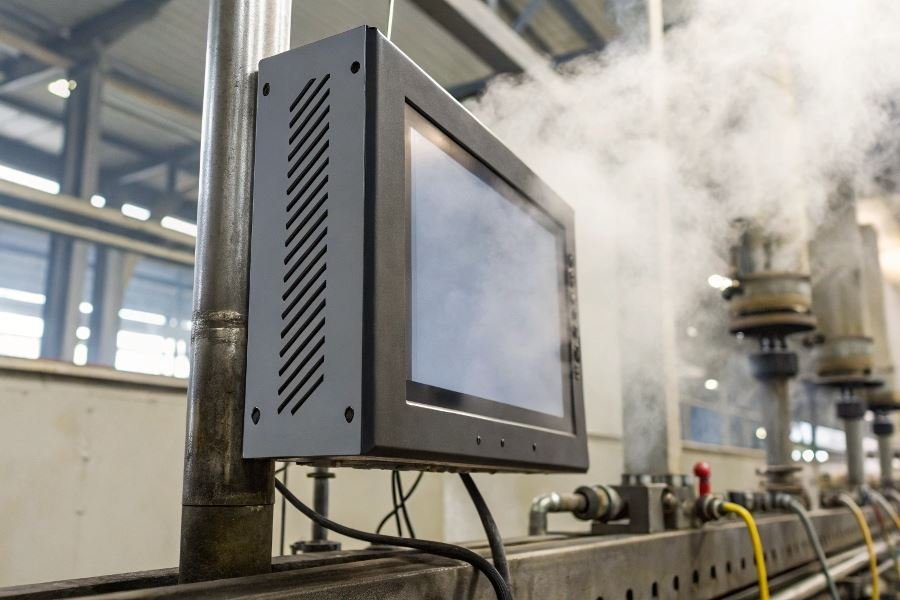
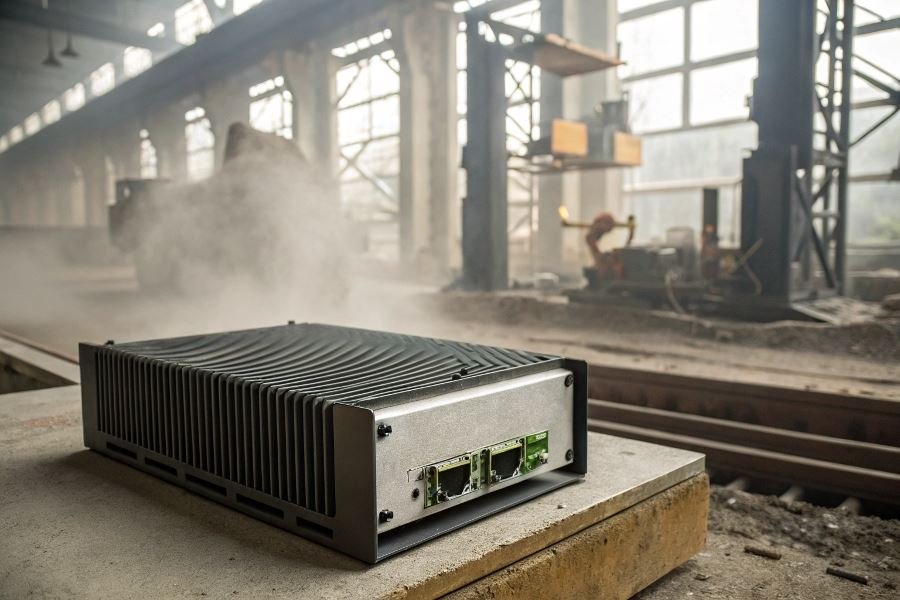
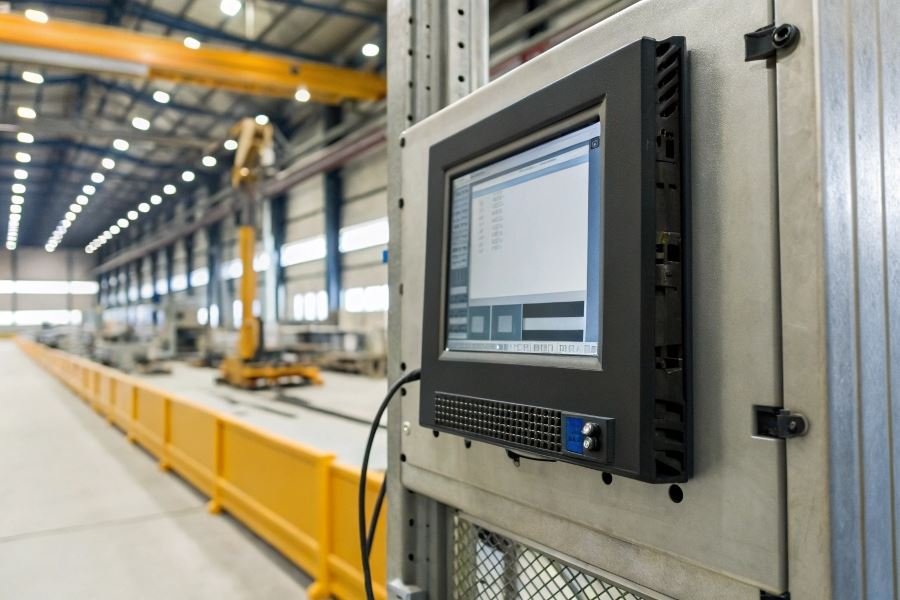
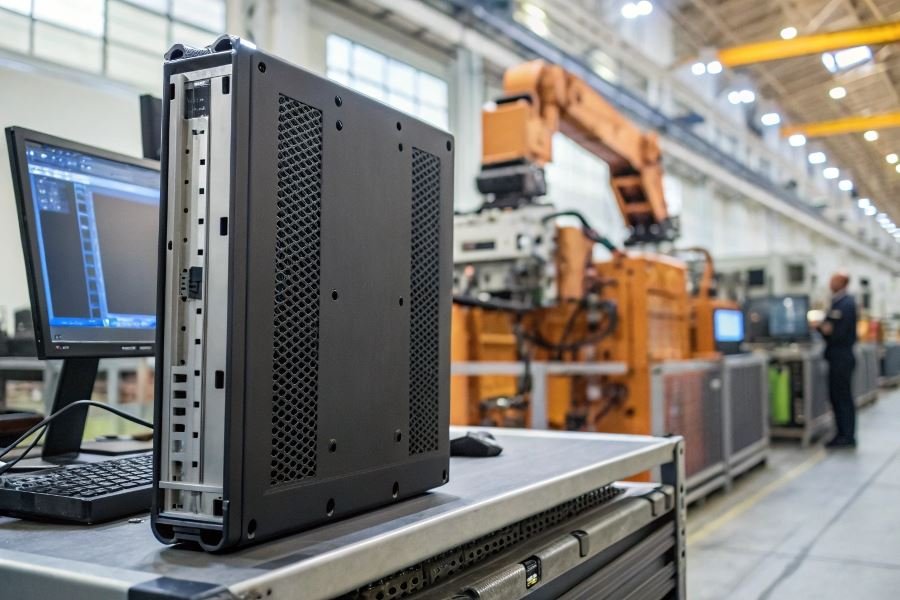
Industrial computers are specialized computing systems engineered specifically for harsh manufacturing environments where dust, vibration, temperature extremes, and 24/7 operation are the norm. Unlike their consumer counterparts designed for climate-controlled offices, these robust machines serve as the central nervous system for everything from assembly line automation to quality control monitoring.
Consumer vs. industrial: Built different for a reason
The differences between consumer and industrial computers go far beyond cosmetics:
| Feature | Consumer Computer | Industrial Computer |
|---|---|---|
| Lifespan | 3-5 years | 7-10+ years |
| Operating temperature | 50-95°F | -40-185°F |
| Dust/moisture protection | Minimal | IP65+ ratings |
| Vibration resistance | None | Military-grade |
| Component availability | Frequently changing | Long-term stability |
Selection factors that make or break production efficiency
When evaluating industrial computers for your manufacturing environment, three critical considerations should guide your decision:
-
Environmental conditions – Assess temperature fluctuations, dust levels, vibration exposure, and potential electrical interference in your specific production area.
-
Performance requirements – Match processing power, memory, and I/O capabilities to your specific applications, whether it’s real-time machine vision or complex process control.
-
Longevity and support – Prioritize manufacturers offering extended warranties, long-term component availability, and robust technical support to protect your investment.
Technical Specifications That Make or Break Industrial Computers
When evaluating industrial computers for manufacturing environments, the technical specifications aren’t just bullet points on a spec sheet—they’re the difference between seamless operation and costly downtime. The process of selecting an industrial computer for production environments demands careful consideration of performance requirements, connectivity options, and durability features that standard commercial computers simply can’t match.
Manufacturing facilities present unique challenges that require specialized computing solutions. How to choose an industrial computer for production comes down to understanding the technical requirements that align with your specific operational needs. Unlike consumer-grade devices, industrial computers must withstand harsh conditions while delivering consistent performance for mission-critical applications.
Processing Power That Won’t Quit
Industrial applications demand computing muscle that can handle specialized software without breaking a sweat. Here’s what to prioritize:
- CPU performance: Industrial-grade Intel Core i5/i7 or AMD Ryzen processors provide the necessary computing power for most manufacturing applications
- RAM capacity: 8GB is the absolute minimum, with 16-32GB recommended for data-intensive operations
- Storage solutions: Industrial-grade SSDs offer faster performance and greater shock resistance than traditional HDDs
The processing requirements vary dramatically based on your application. Machine vision systems analyzing high-resolution images at high speeds might require an NVIDIA GPU with dedicated CUDA cores, while simpler HMI interfaces can run efficiently on lower-power processors.
| Application Type | Recommended CPU | Minimum RAM | Storage Type |
|---|---|---|---|
| Basic HMI/SCADA | Intel Core i3/i5 | 8GB | Industrial SSD 128GB |
| Machine Vision | Intel Core i7/i9 | 16-32GB | NVMe SSD 512GB+ |
| Data Acquisition | Intel Xeon | 32GB+ | Redundant SSD 1TB+ |
Connectivity That Speaks Every Language
Industrial computers must communicate with a diverse ecosystem of equipment, often using protocols that predate the internet itself.
Essential connectivity options include:
- Ethernet ports (multiple gigabit ports for redundancy)
- Serial ports (RS-232/422/485) for legacy equipment
- USB 3.0/3.1 ports for peripherals and data transfer
- Fieldbus interfaces (Modbus, Profibus, DeviceNet)
- Wireless capabilities (Wi-Fi, Bluetooth, cellular)
The right industrial computer bridges the gap between modern networking standards and proprietary industrial protocols, creating a unified communication environment across your production floor.
Built to Survive What Commercial PCs Cannot
Perhaps the most critical differentiator for industrial computers is their ability to withstand harsh manufacturing environments. Three key specifications determine environmental durability:
- IP (Ingress Protection) ratings: IP65 or higher ensures protection against dust and water ingress
- Operating temperature range: Look for at least -10°C to 60°C for most factory environments
- Vibration and shock resistance: MIL-STD-810G compliance indicates military-grade durability
Industrial computers from manufacturers like Advantech and Siemens are designed with fanless cooling systems, sealed enclosures, and specialized mounting options that allow them to operate reliably in environments that would quickly destroy consumer-grade hardware.
The durability specifications directly impact longevity and reliability. A properly specified industrial computer might cost 2-3 times more than a commercial alternative but will deliver 5-10 years of continuous operation—making it the more economical choice when factoring in the cost of downtime and replacement.
Sealing the Deal: The Final Industrial Computer Decision
Beyond price tags: Total cost of ownership
When evaluating industrial computers, looking only at the initial price tag is like judging a factory by its facade. The total cost of ownership (TCO) tells the complete financial story. A seemingly expensive Advantech industrial PC might actually deliver superior value over five years compared to a budget alternative.
Consider this breakdown of TCO components:
| Cost Factor | Budget PC | Industrial-Grade PC |
|---|---|---|
| Initial purchase | $1,200 | $3,500 |
| Downtime costs (5 years) | $22,000 | $4,500 |
| Maintenance | $4,800 | $2,200 |
| Power consumption | $1,800 | $1,200 |
| Replacement parts | $3,200 | $1,100 |
| 5-Year TCO | $33,000 | $12,500 |
The performance benefits of industrial computers—including faster processing, enhanced reliability, and specialized I/O capabilities—directly translate to operational efficiency. A manufacturing line running on robust Siemens SIMATIC IPC hardware might reduce cycle times by milliseconds per operation, accumulating to thousands of additional production units annually.
Support structures that actually support you
The relationship with your industrial computer vendor shouldn’t end at checkout. The difference between thriving and merely surviving often comes down to support infrastructure.
Premium vendors like Dell Technologies offer extended warranties reaching 5+ years with next-business-day on-site service—critical when every minute of downtime costs thousands. Evaluate vendors based on:
- Technical support availability (24/7 vs. business hours)
- Mean time to resolution for critical issues
- Availability of replacement parts (especially for legacy systems)
- Documentation quality and accessibility
Future-proofing isn’t just marketing jargon—it’s financial prudence. Modular systems with expansion capabilities accommodate evolving requirements without complete replacement. Look for industrial computers with accessible I/O slots, upgradable memory, and standardized communication protocols that won’t become obsolete when you need to scale.
Seamless integration: The implementation roadmap
Even the most powerful industrial computer becomes a liability if it can’t communicate with your existing infrastructure. Before finalizing your decision, map out the integration points:
- Protocol compatibility with existing PLCs, SCADA systems, and enterprise software
- Physical installation requirements including mounting options, power supply specifications, and environmental controls
- Network architecture considerations for security, bandwidth, and redundancy
- Migration strategy for transitioning workloads without production interruption
The most successful implementations begin with a pilot deployment in a non-critical area to validate performance and identify integration challenges before full-scale rollout. Companies like Rockwell Automation offer pre-implementation consulting to develop detailed migration roadmaps.
When Beckhoff industrial PCs were integrated into a precision manufacturing environment, engineers created a parallel testing environment that mirrored production for three weeks before cutover, reducing implementation risk and allowing for operator training without impacting output.
The industrial computer you select today will influence your production capabilities for years. By weighing TCO against performance benefits, securing robust vendor support, and carefully planning implementation, you’re not just purchasing hardware—you’re investing in operational excellence that compounds over time.
Discover how to select the right industrial computer for your manufacturing operations. Learn about essential specifications, durability requirements, connectivity options, and cost considerations to maximize production efficiency and reliability.
Discover how to select the right industrial computer for your manufacturing operations. Learn about essential specifications, durability requirements, connectivity options, and cost considerations to maximize production efficiency and reliability.